Software & Accessories

Software & Accessories

Flexible Marking, Flexible Options

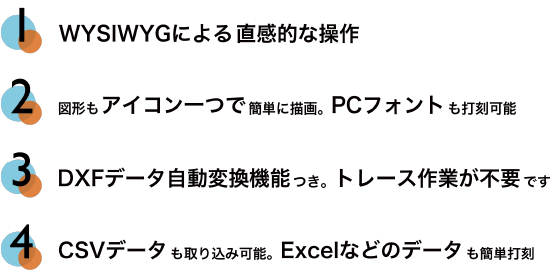
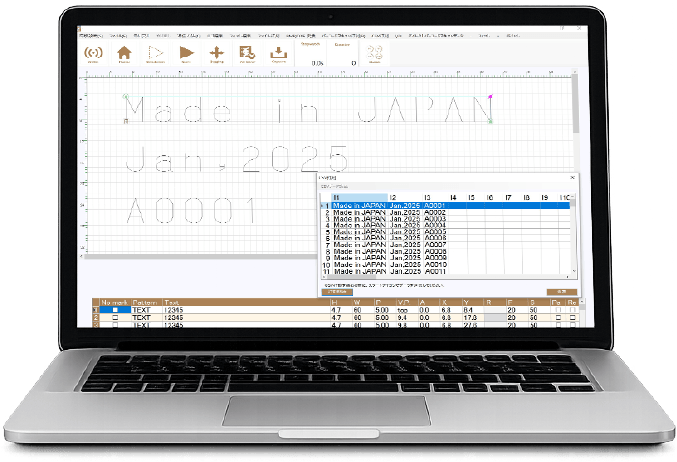
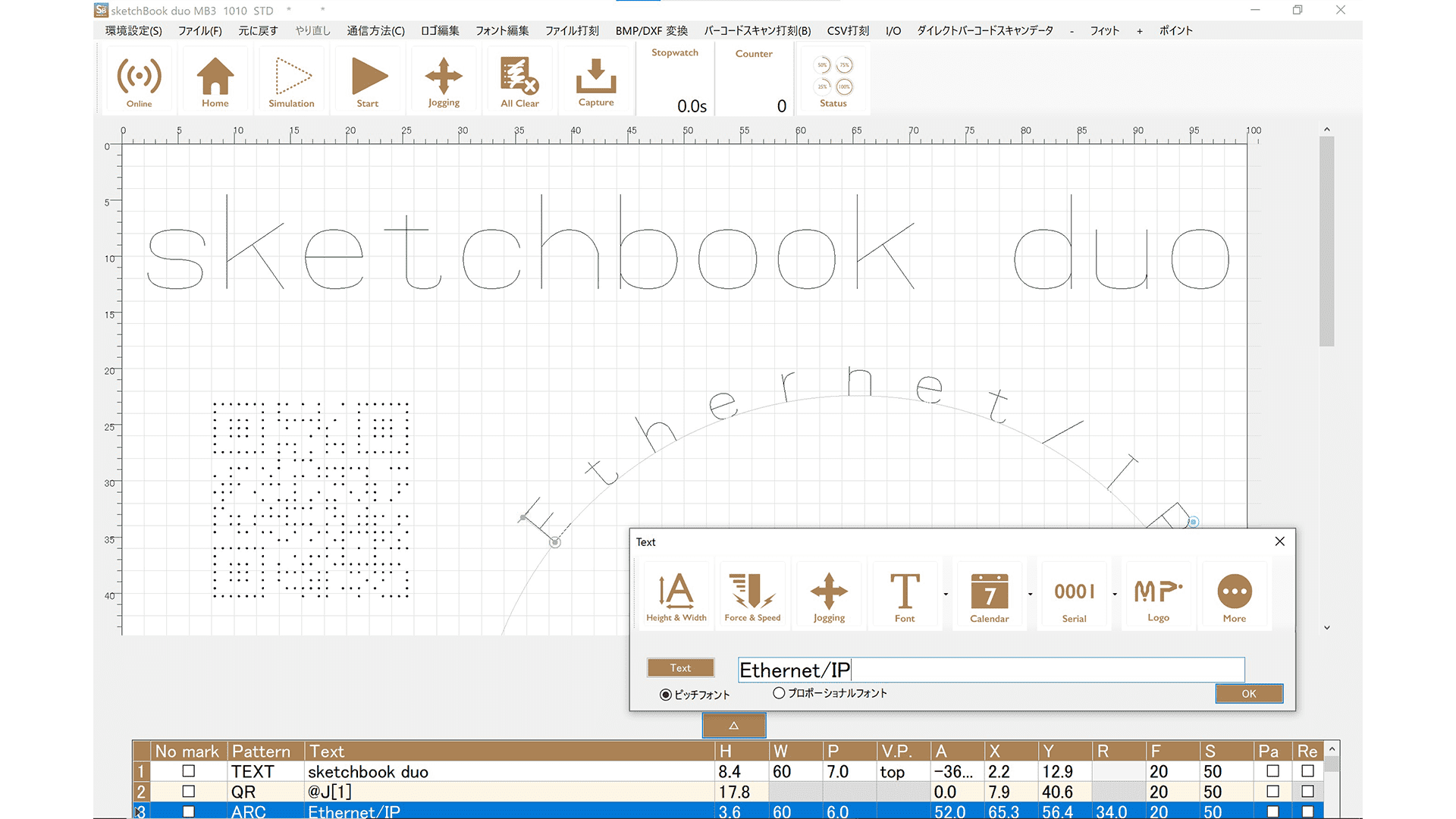
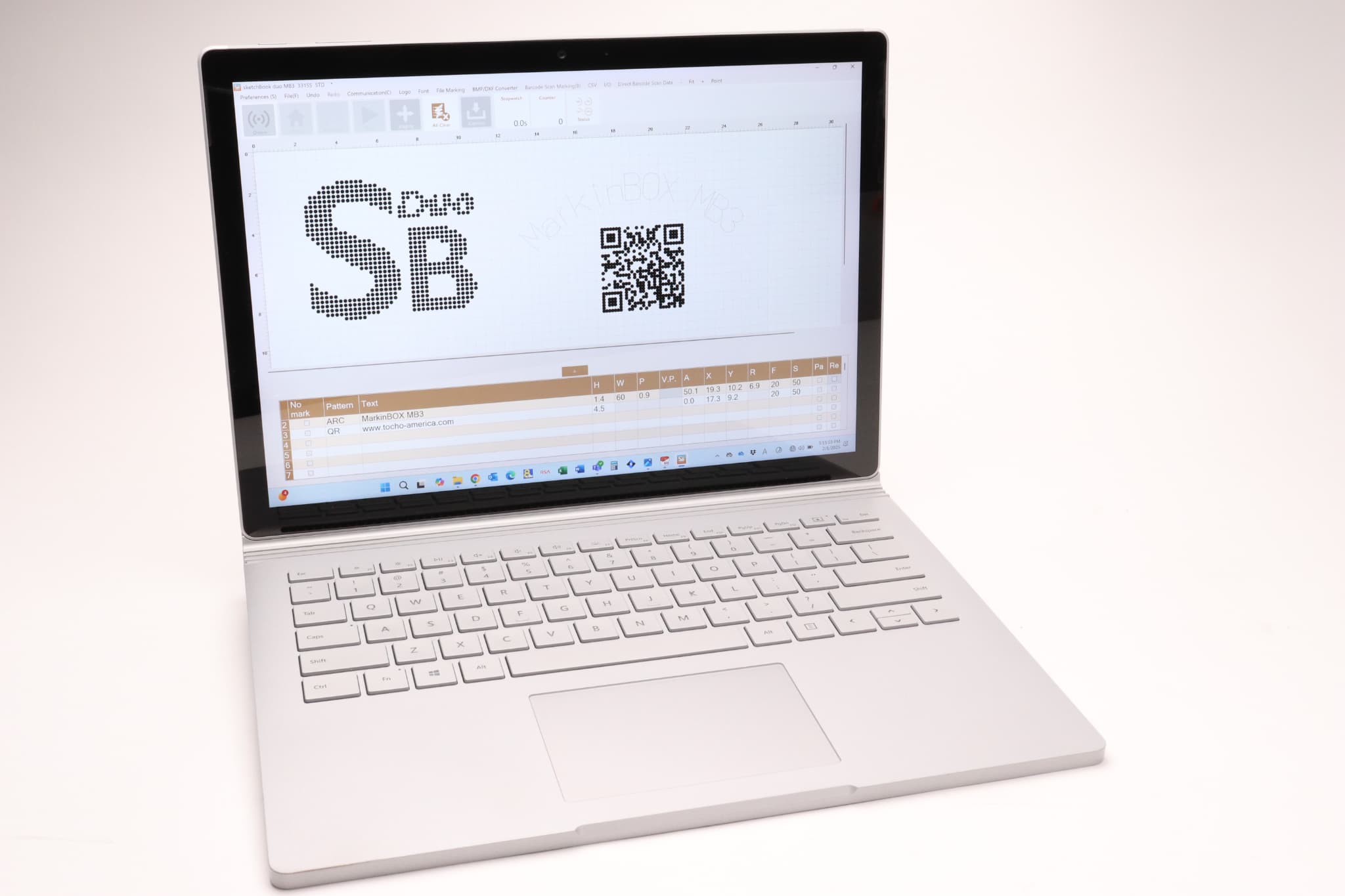
This Windows-based software is compatible with MarkinBOX3 and Patmark2. An intuitive “WYSIWYG” interface allows for easy drawing of shapes, QR codes, and PC font marking. It supports automatic DXF/BMP conversion and CSV data import from Excel.

  • Software & App
  • Accessories

Windows software

Windows software

MarkinBOX Windows専用マーキングソフトウェア
MarkinBOX Windowsソフトウェアの編集画面
MarkinBOX Windowsソフトウェアのマーキング設定画面
MarkinBOX Windowsソフトウェアの操作画面
Easy-to-use Interface
Experience the feeling and creativity of freehand drawing with the easy-to-use icons. Additionally, creating QR codes and marking your favorite PC fonts is straightforward.
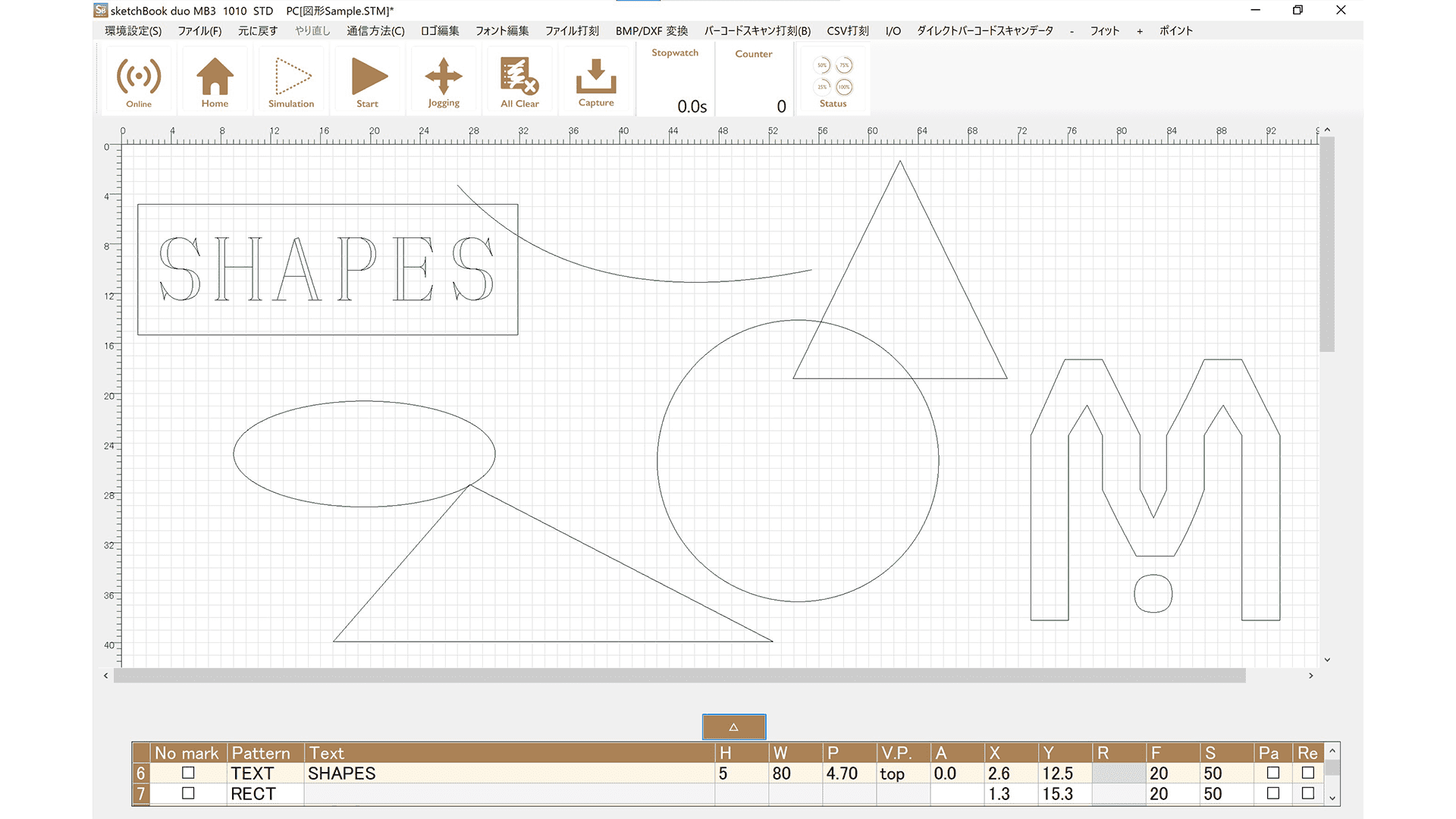
Shape Creation
Create simple shapes with ease. Using the icon functions, express yourself with shapes such as rectangles, circles, straight lines, ellipses, and triangles. Import logos with the tracing operation.
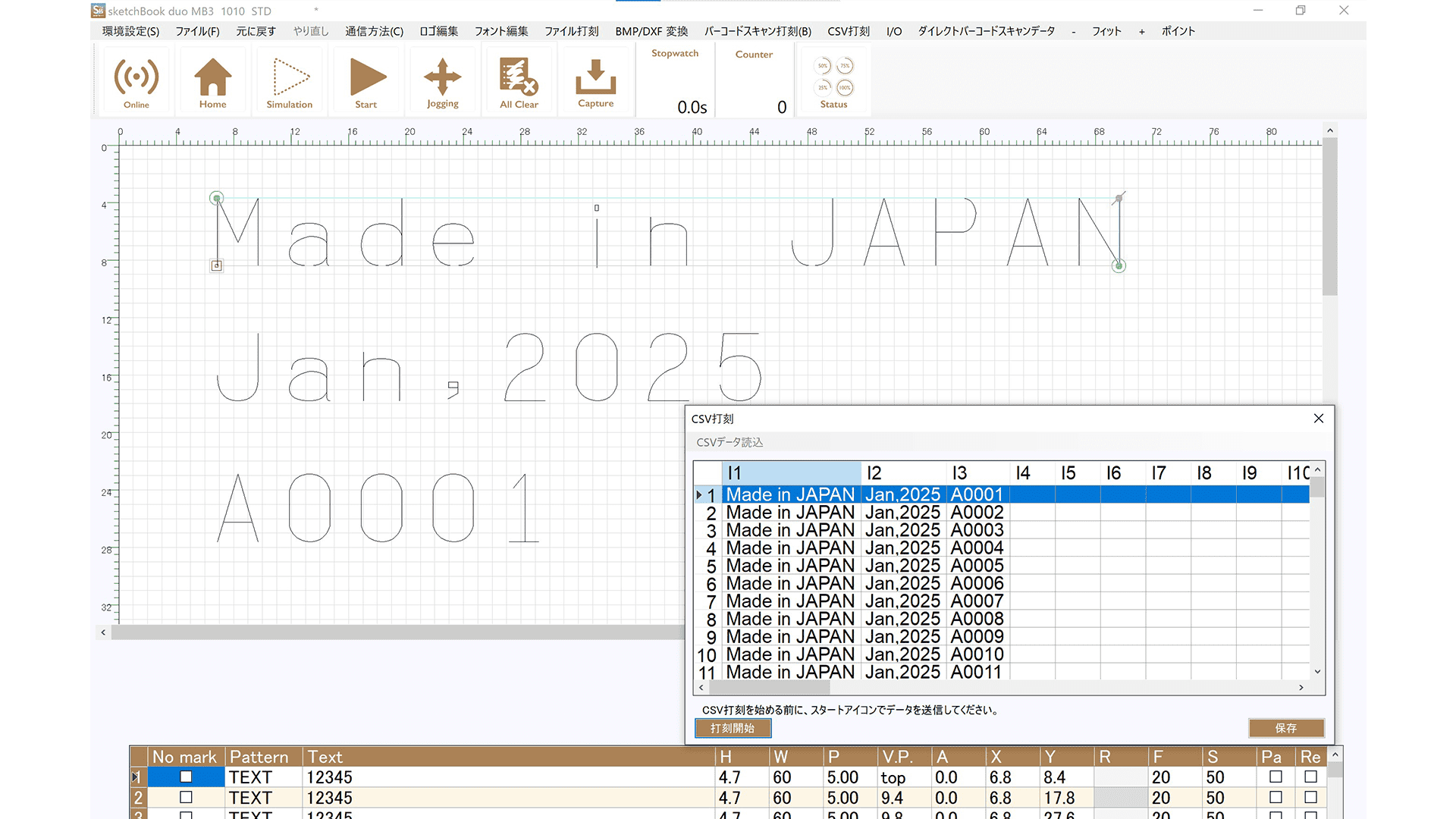
Versatile Data Marking
CSV, alphanumeric serial, calendar, and barcode scan marking is easy to operate.
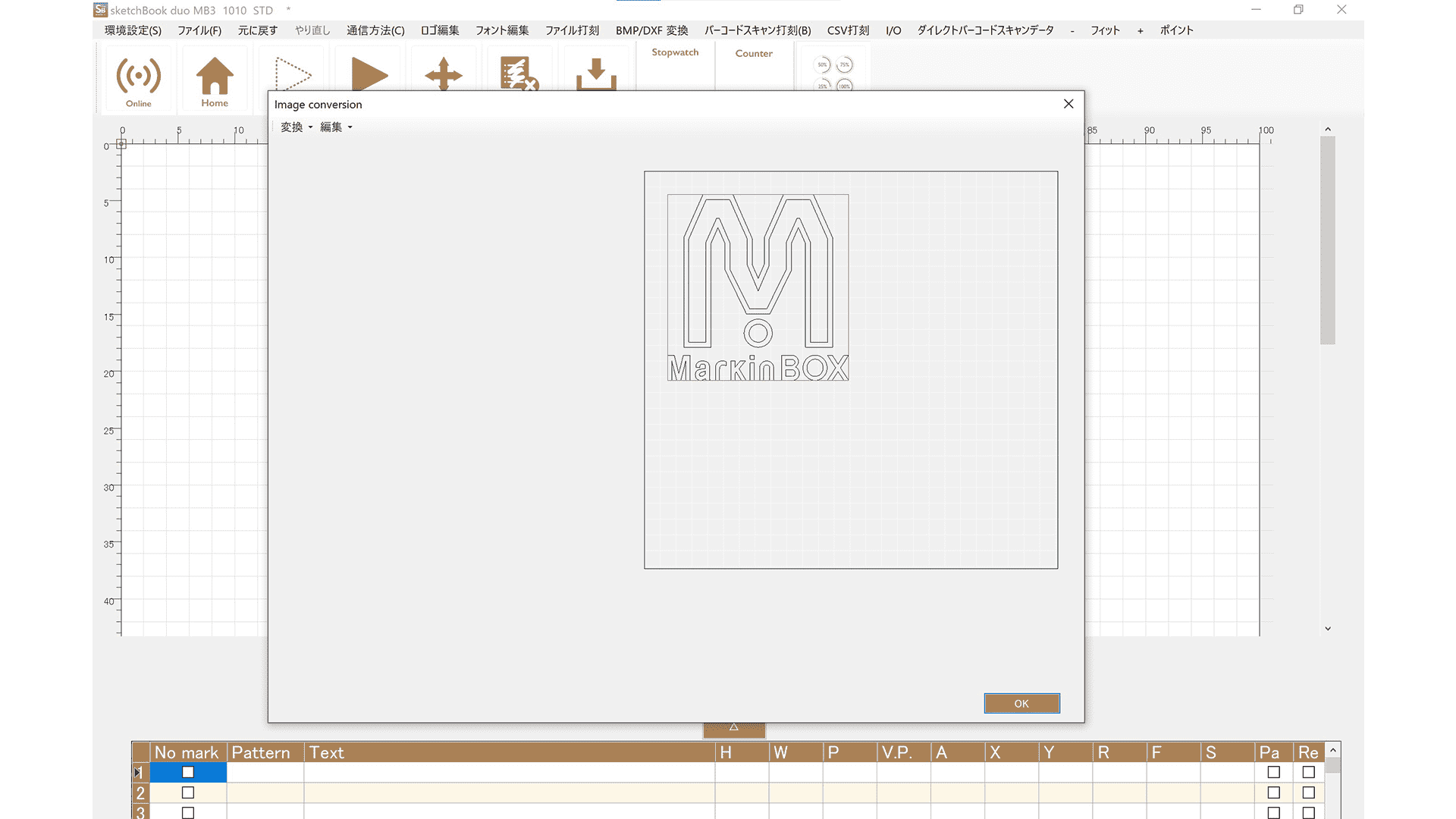
DXF Conversion
Sketchbook Duo features a DXF conversion that makes it easy to mark anything. DXF files can be saved directly on the MB3 controller, enabling marking even while disconnected from a PC.

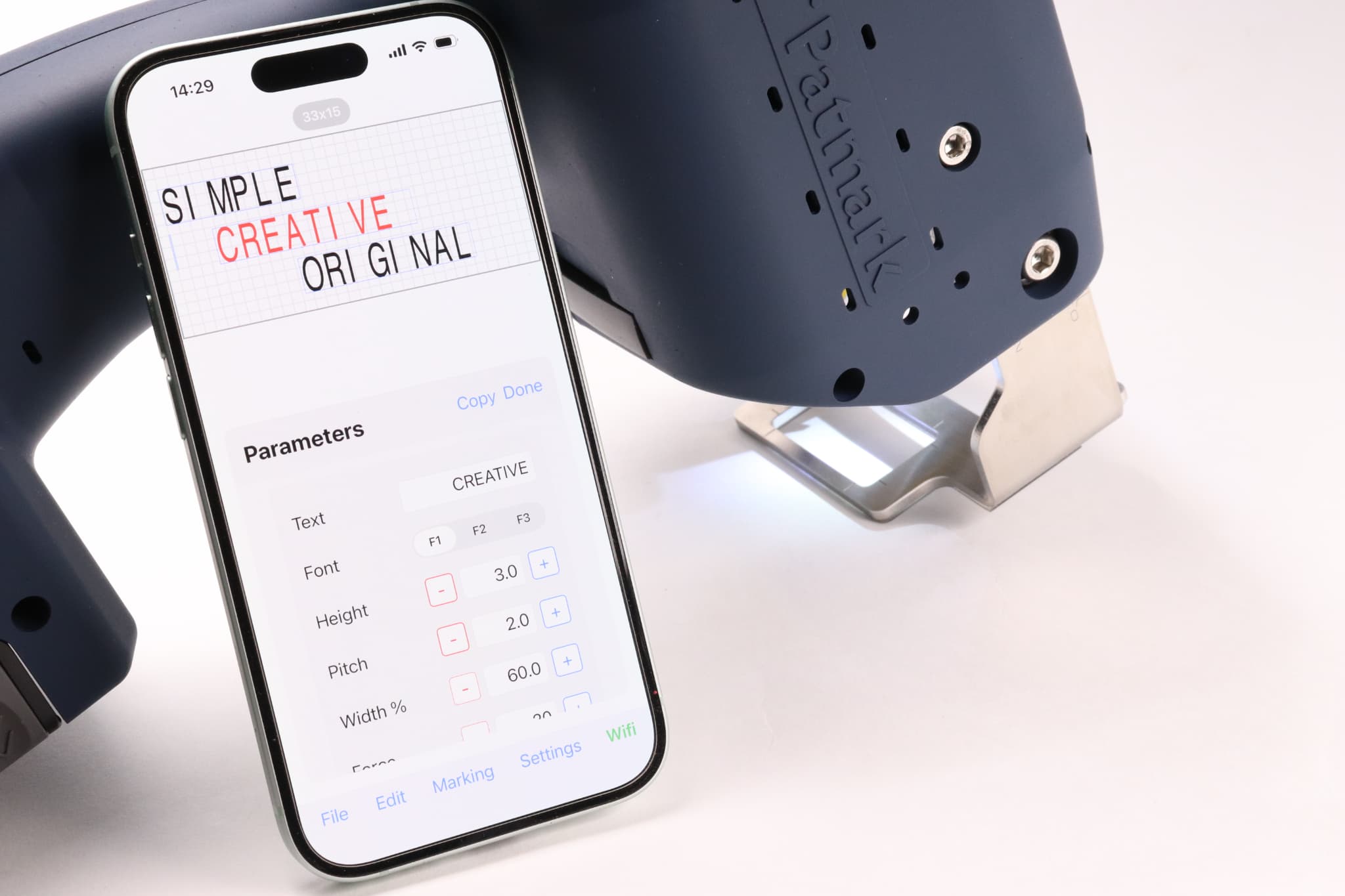
App

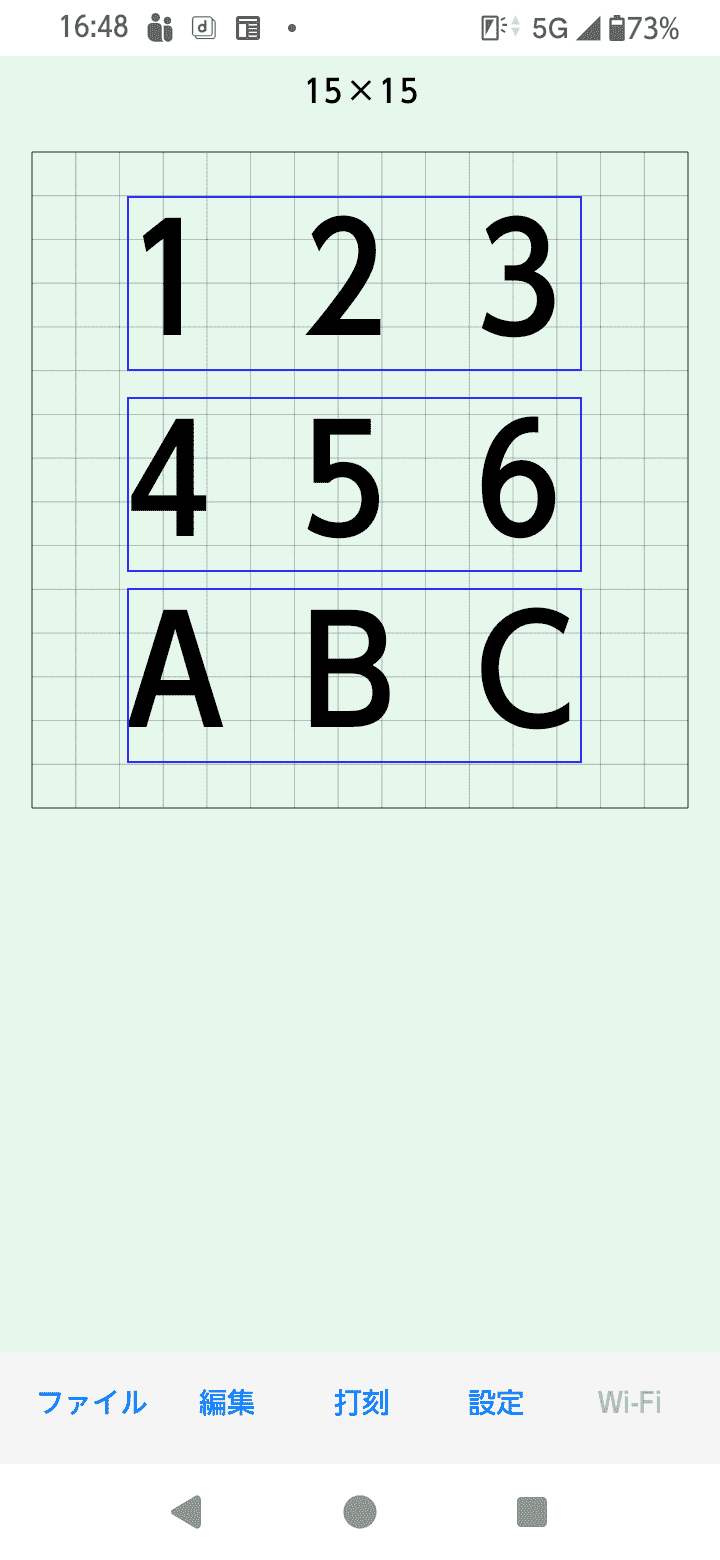
MarkinBOX スマートフォンアプリ
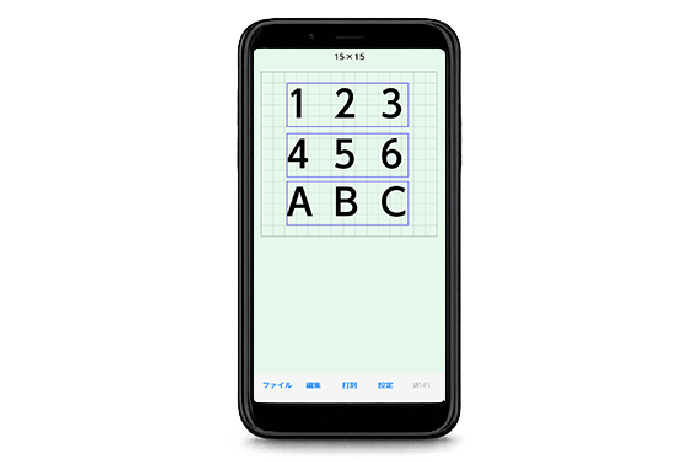
MarkinBOX スマートフォンアプリの編集画面
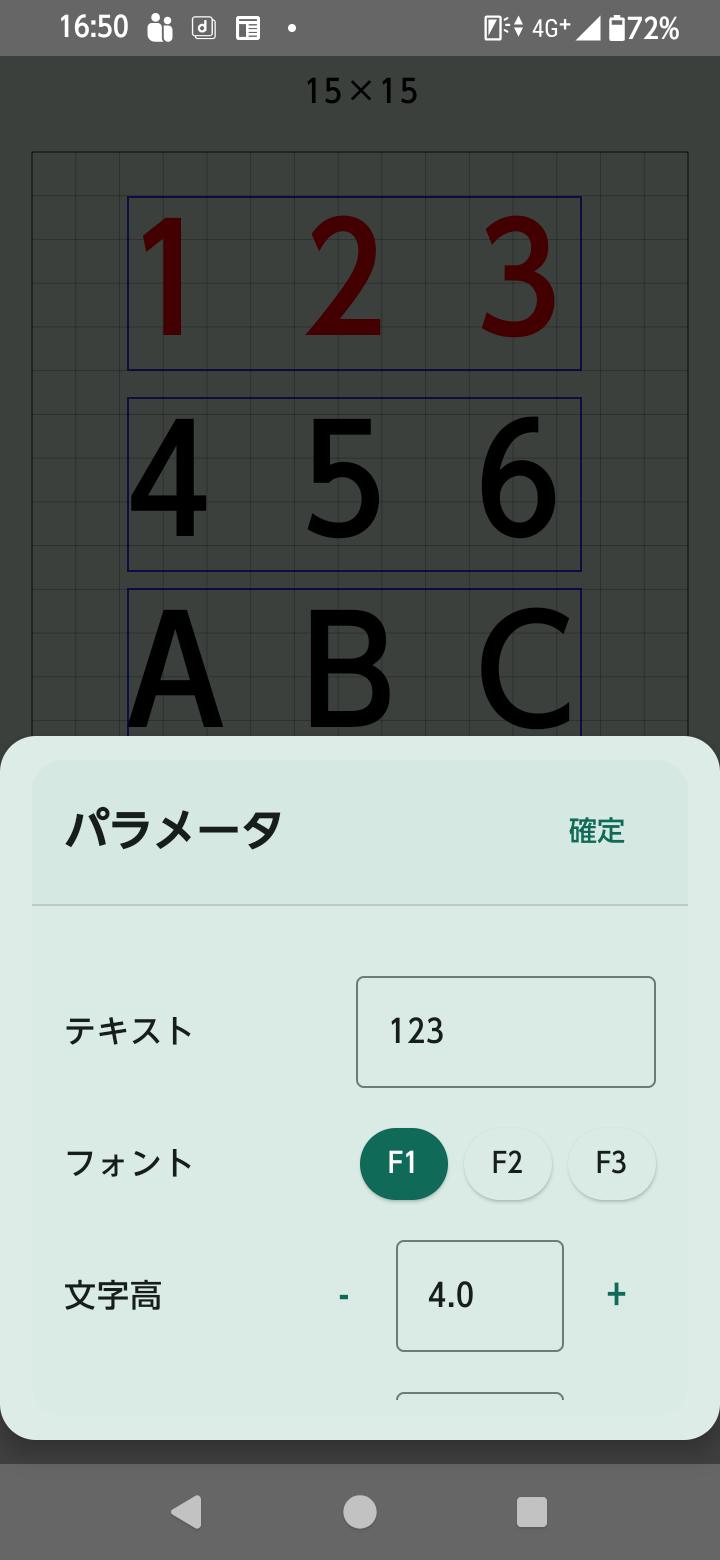
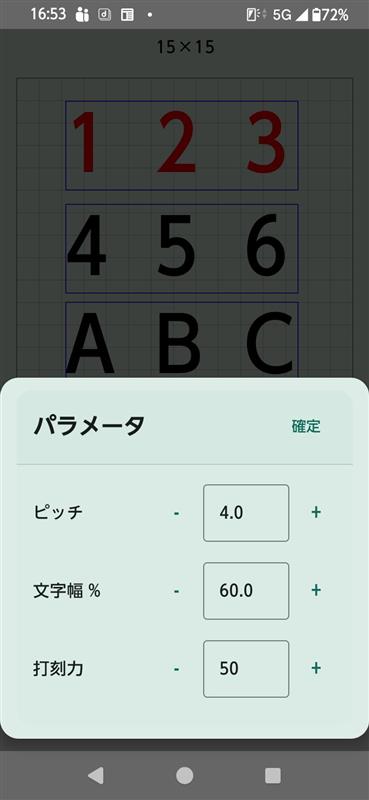
MarkinBOX スマートフォンアプリのマーキング設定画面
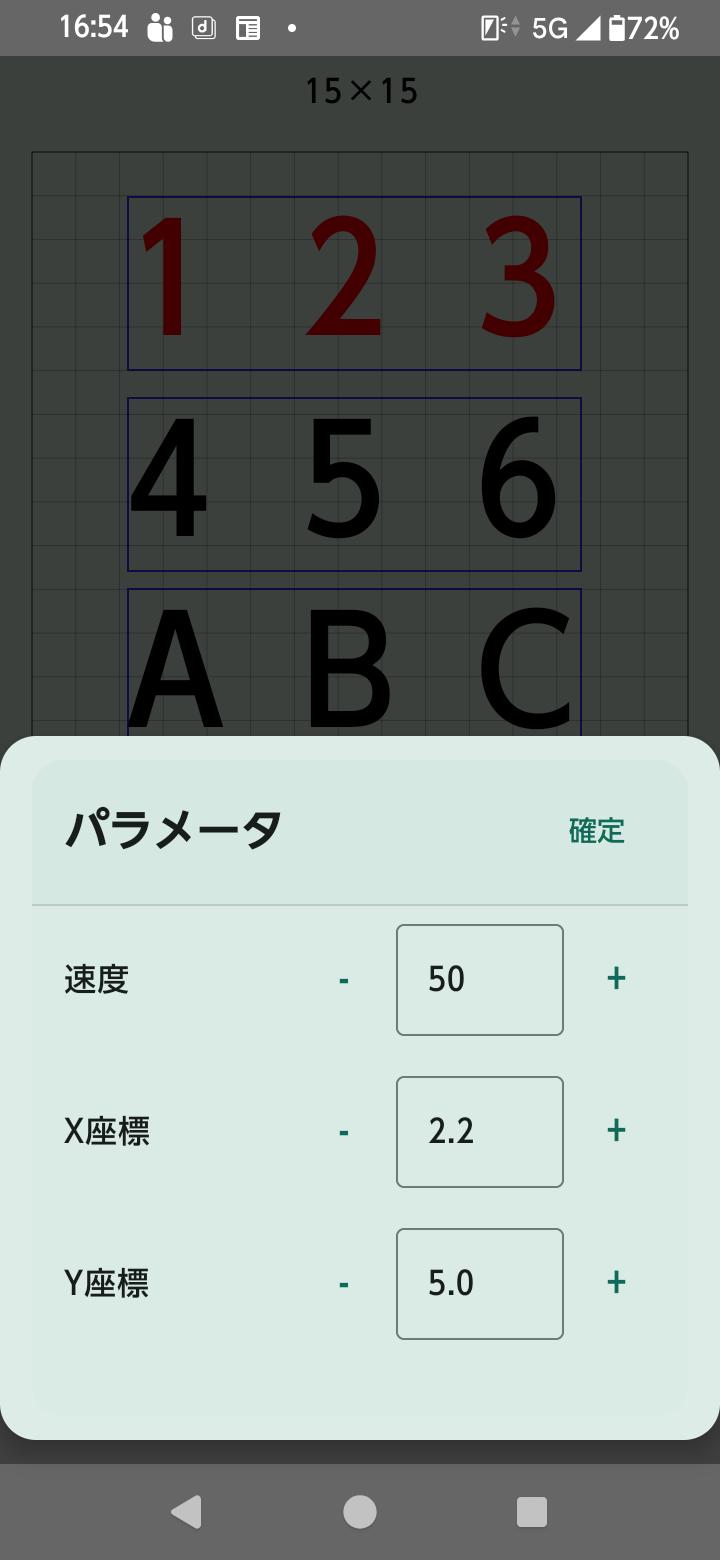
MarkinBOX スマートフォンアプリの操作画面
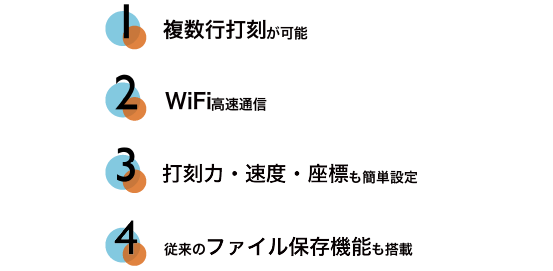
Simply download the sketchbookDuo app from the Google Play Store or App Store.
On your smartphone, find the Wi-Fi SSID for your Patmark and connect to it. Anyone can start marking with ease.

Spec

Windows software

Computer OS Windows 11 or higher
Computer Memory 8GB and more
CPU Intel Core i5 10th gen. and higher
Monitor resolution 1920 × 1080 and higher
Power AC100-240V 50/60Hz single phase
Power Consumption 120W
Marking methods MB mode ((Push the start/stop button on the marking head to start) or PC mode (Start from PC)
Marking force setting 0 (no marking) – 99 (strong force)
Marking speed setting 1 (slow) – 99 (fast)
Default font setting MB font (original font) / MB font Elegant font (original font) / 5×7 font (speed prioritized) / PC font (outline type)
Number of characters in a text field Up to 50 characters (half-width alphanumeric characters)
Number of text fields in a file Up to 50 fields
Number of files in the MB3 controller Up to 255 files
Characters in 2D codes (DM, QR) 0–9, A–Z, a–z, and various symbols
Number of characters in 2D codes (DM, QR) Up to 80 characters
Number of serial settings in a file Up to 4 serial settings
Number of digits of serial characters Up to 8 digits, 1–99999999
Digits for calendar marking Year: 4, 2 or 1digit(s) / Month: 2 or 1digit(s) / Day: 2 or 1digit(s) / Time: hour.minutes,seconds 2digits / Julian date: 3digits
Shift marking 24 hours, up to 5 shifts
Number of logos in the MB3 controller Up to 31 logos
Convertible DXF data types This may vary depending on the CAD software and configuration.
User-level setting with passwords Administrators (full functions) / Operators (limited functions)

Accessories

LINEUP

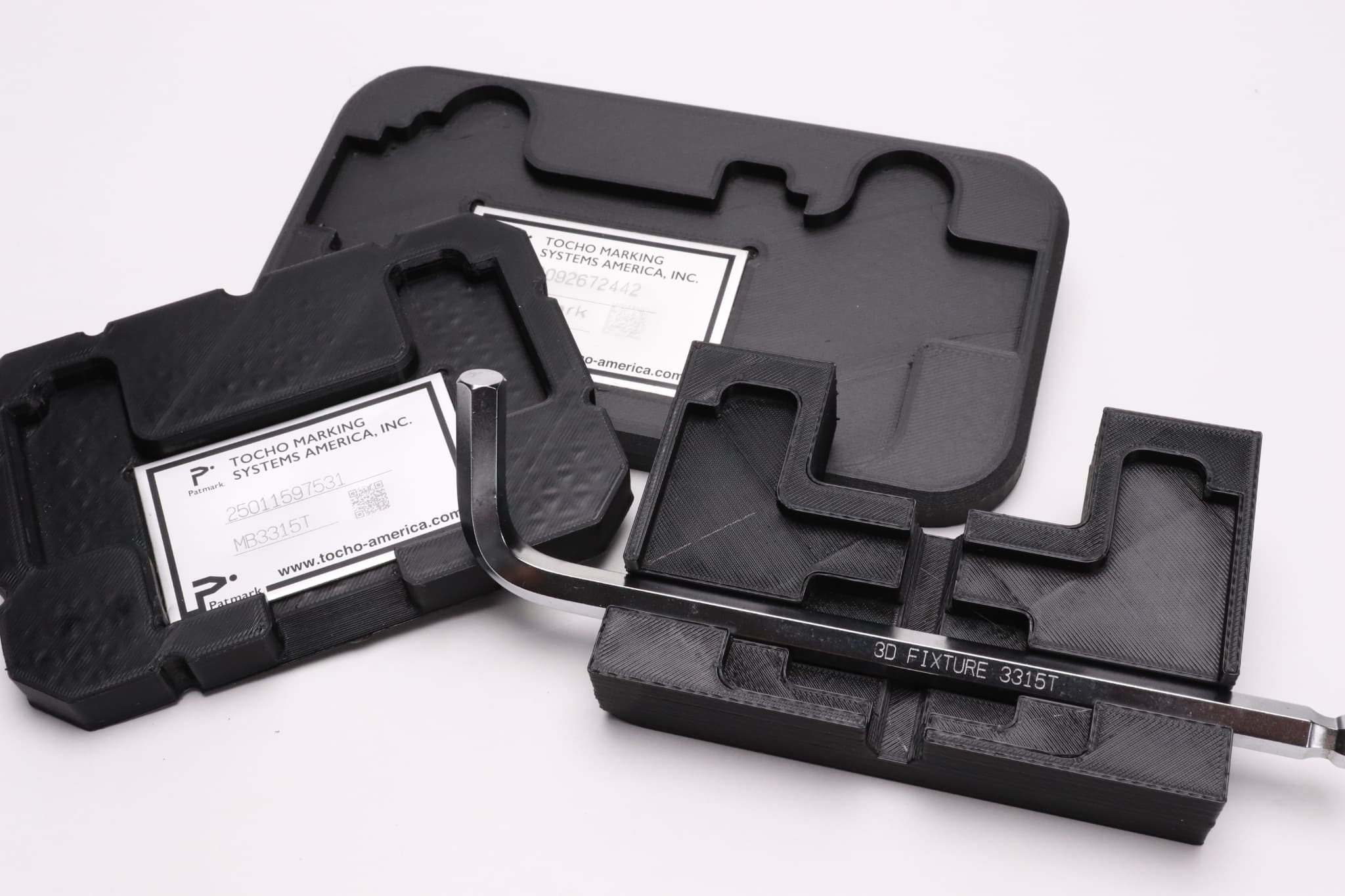
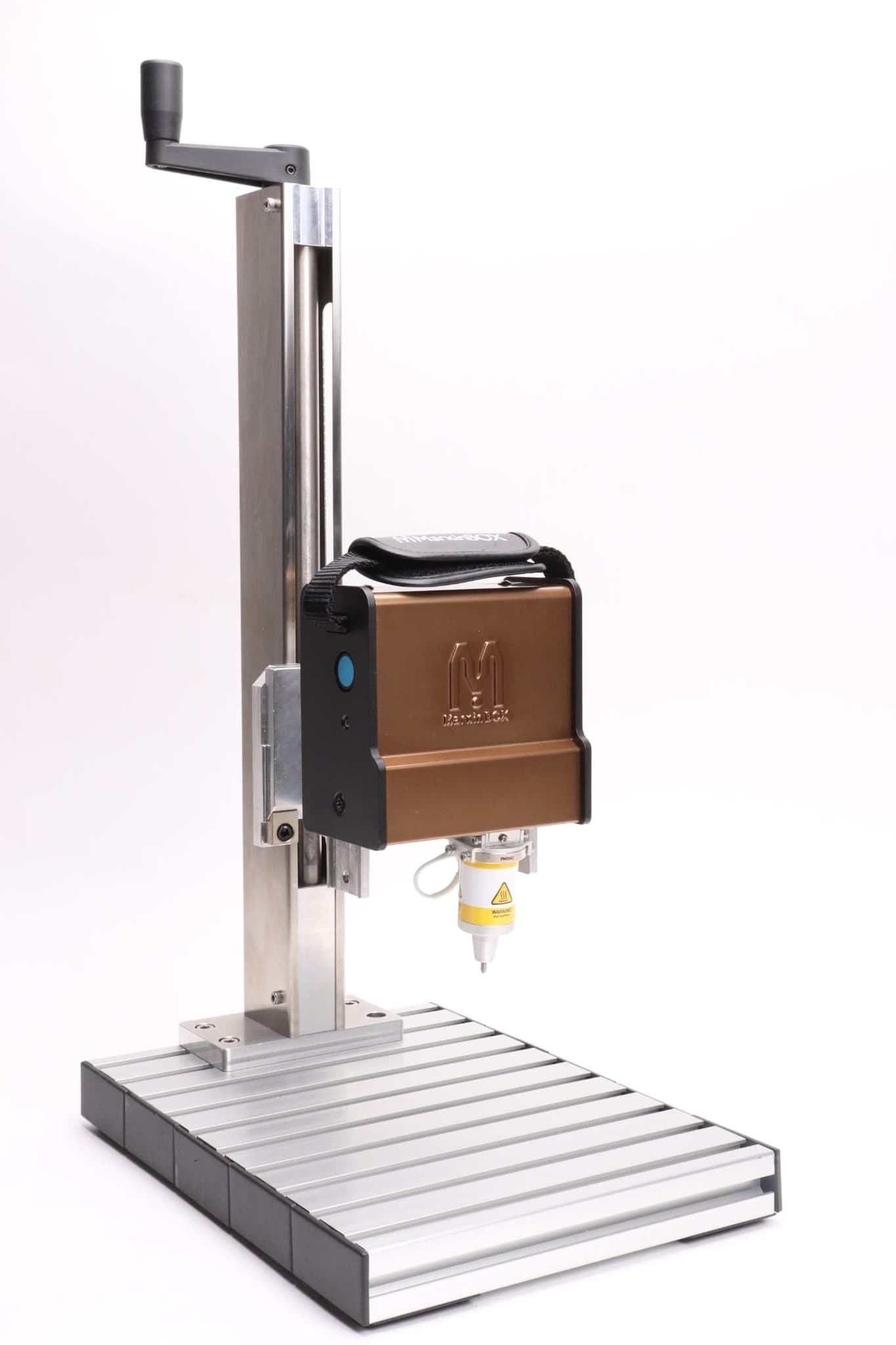
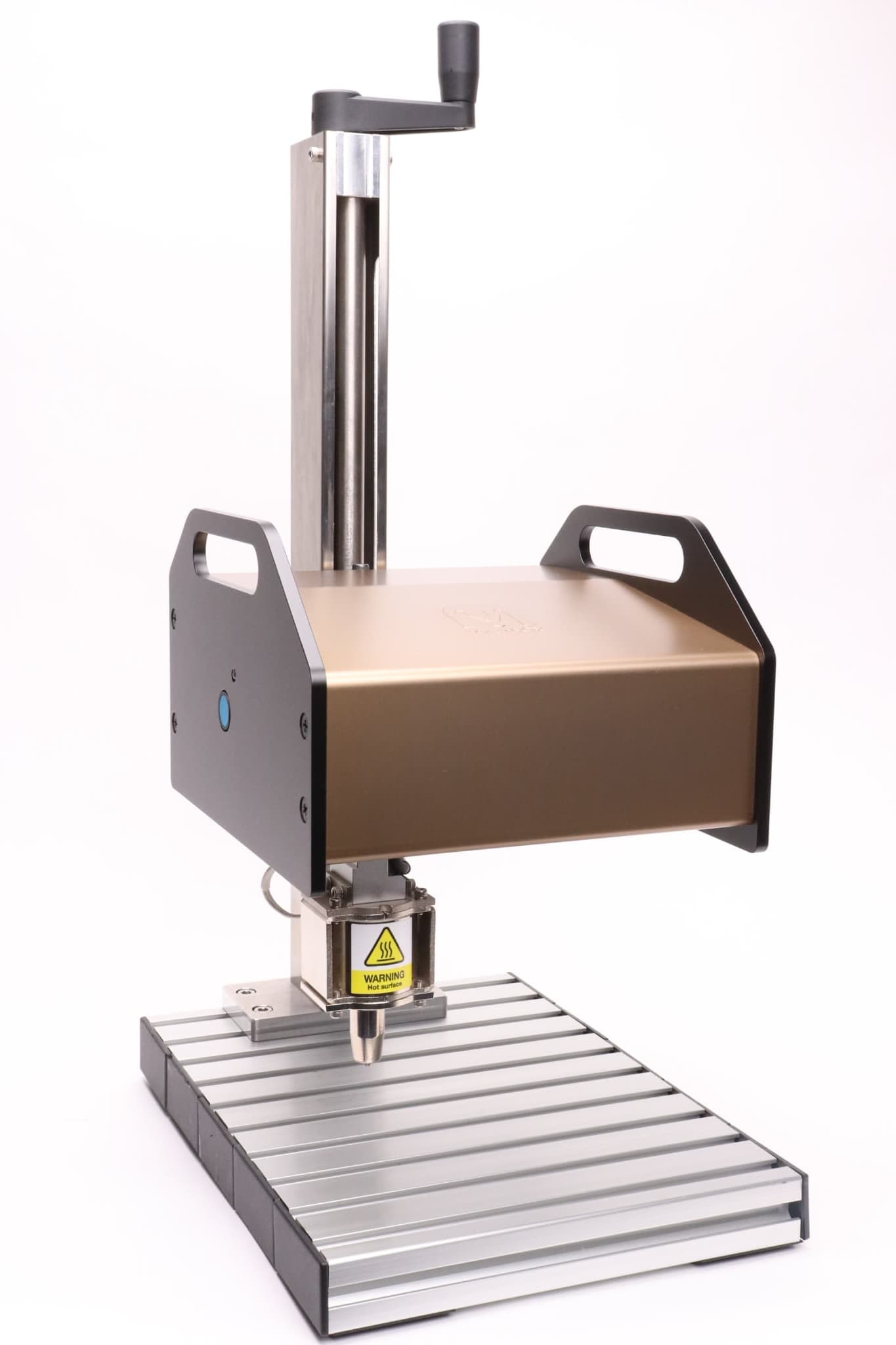
3D Printed Fixture

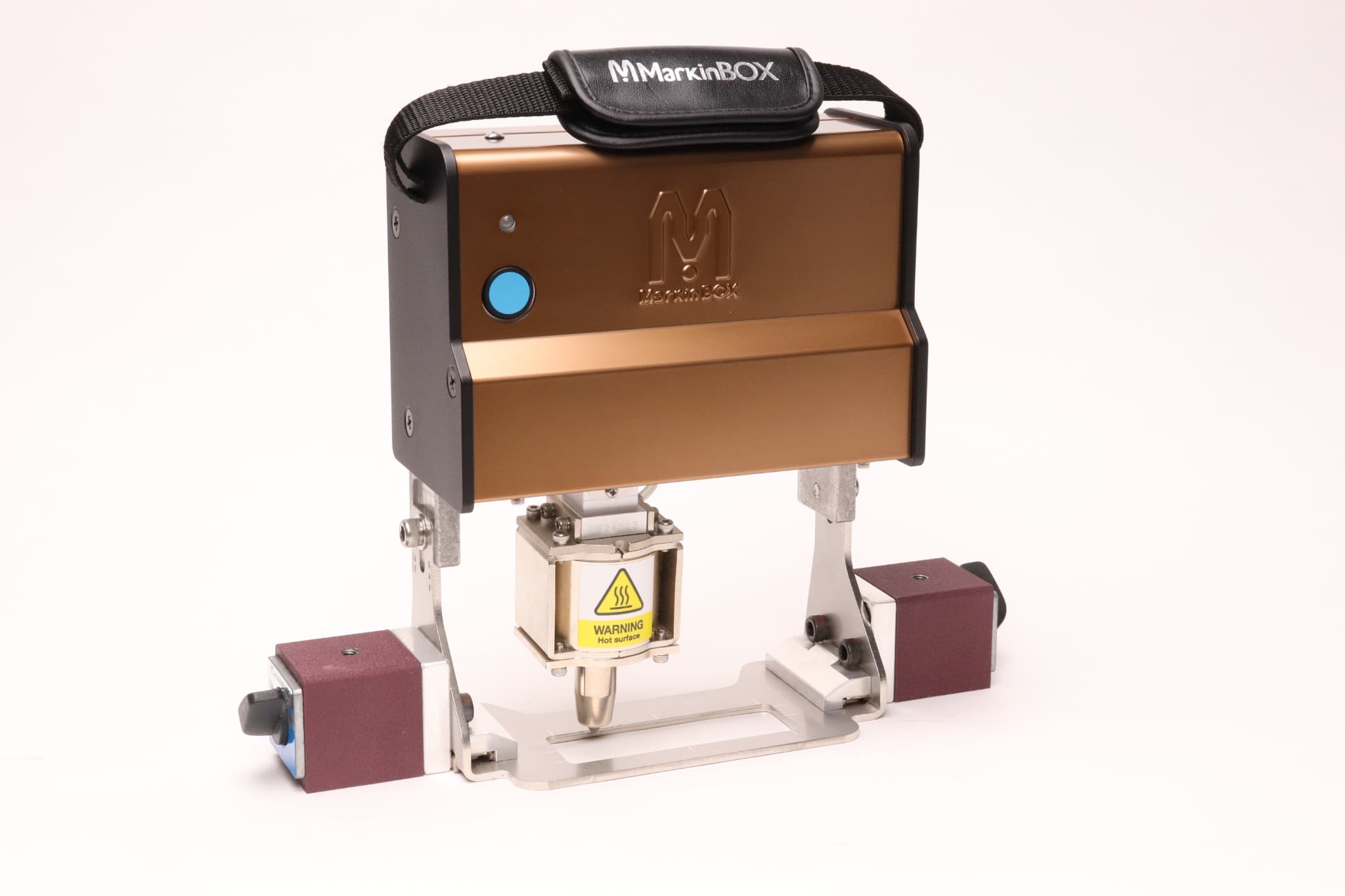
Magnet Guide

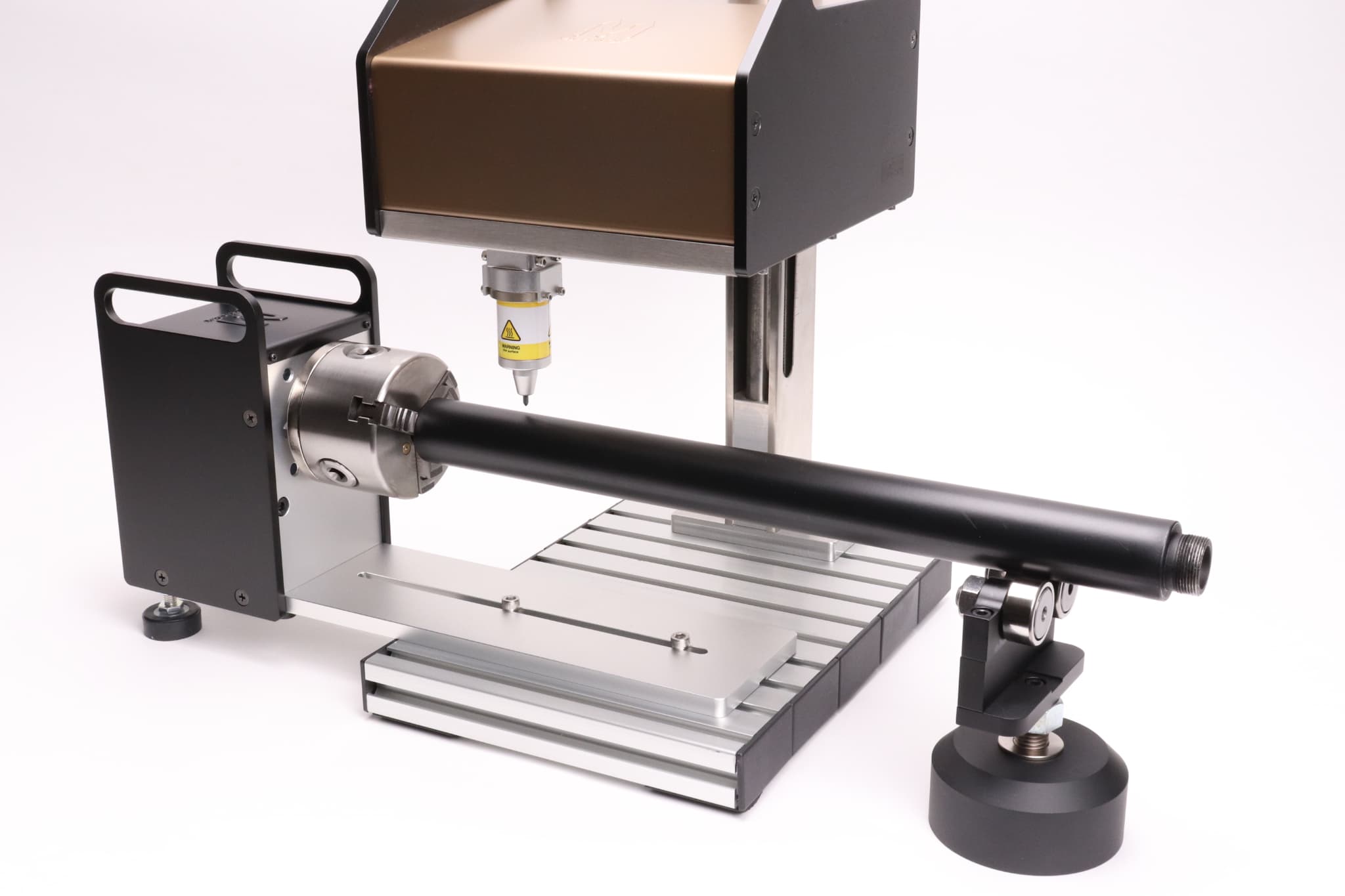
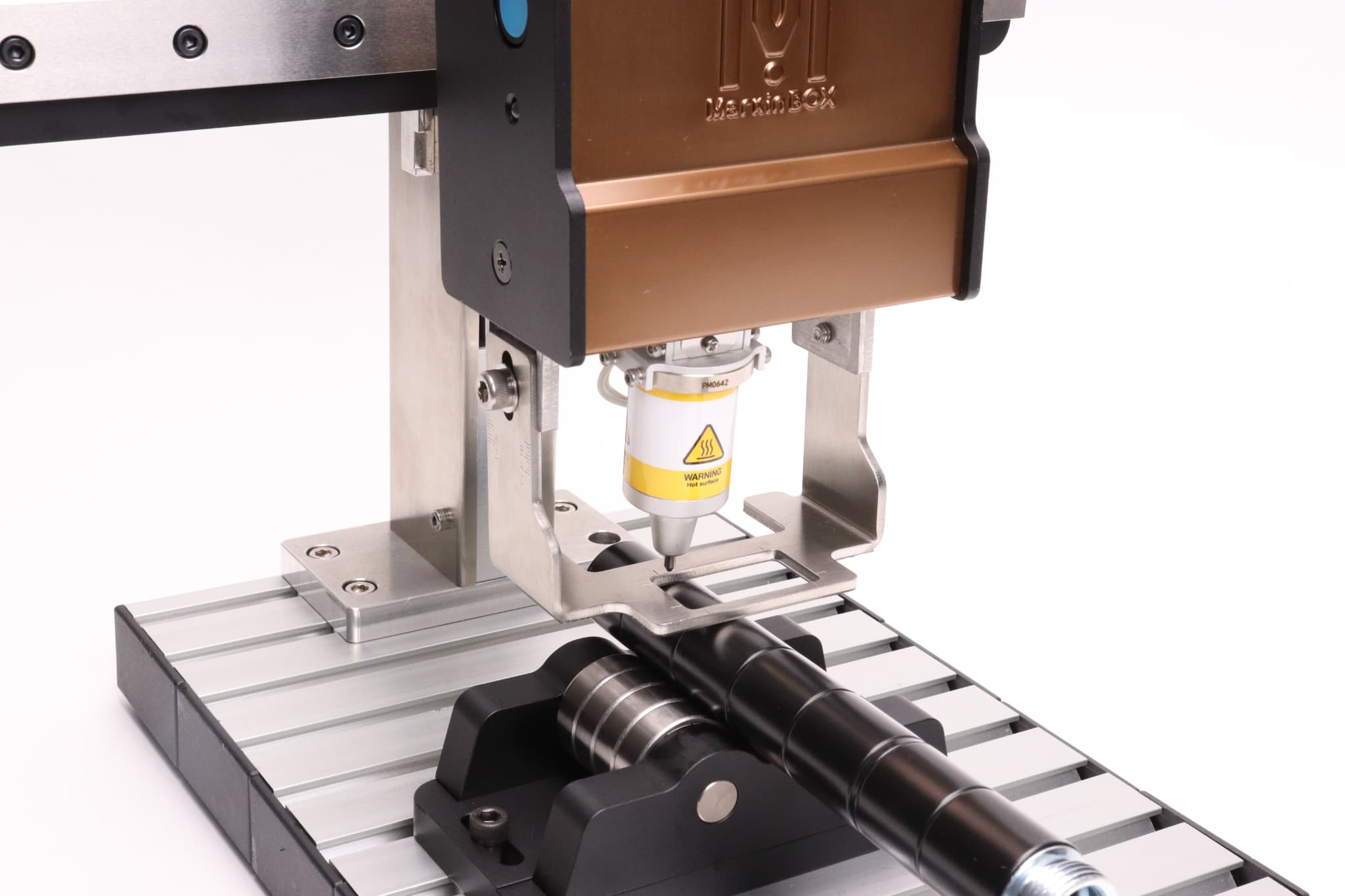
Chuck Rotary Device

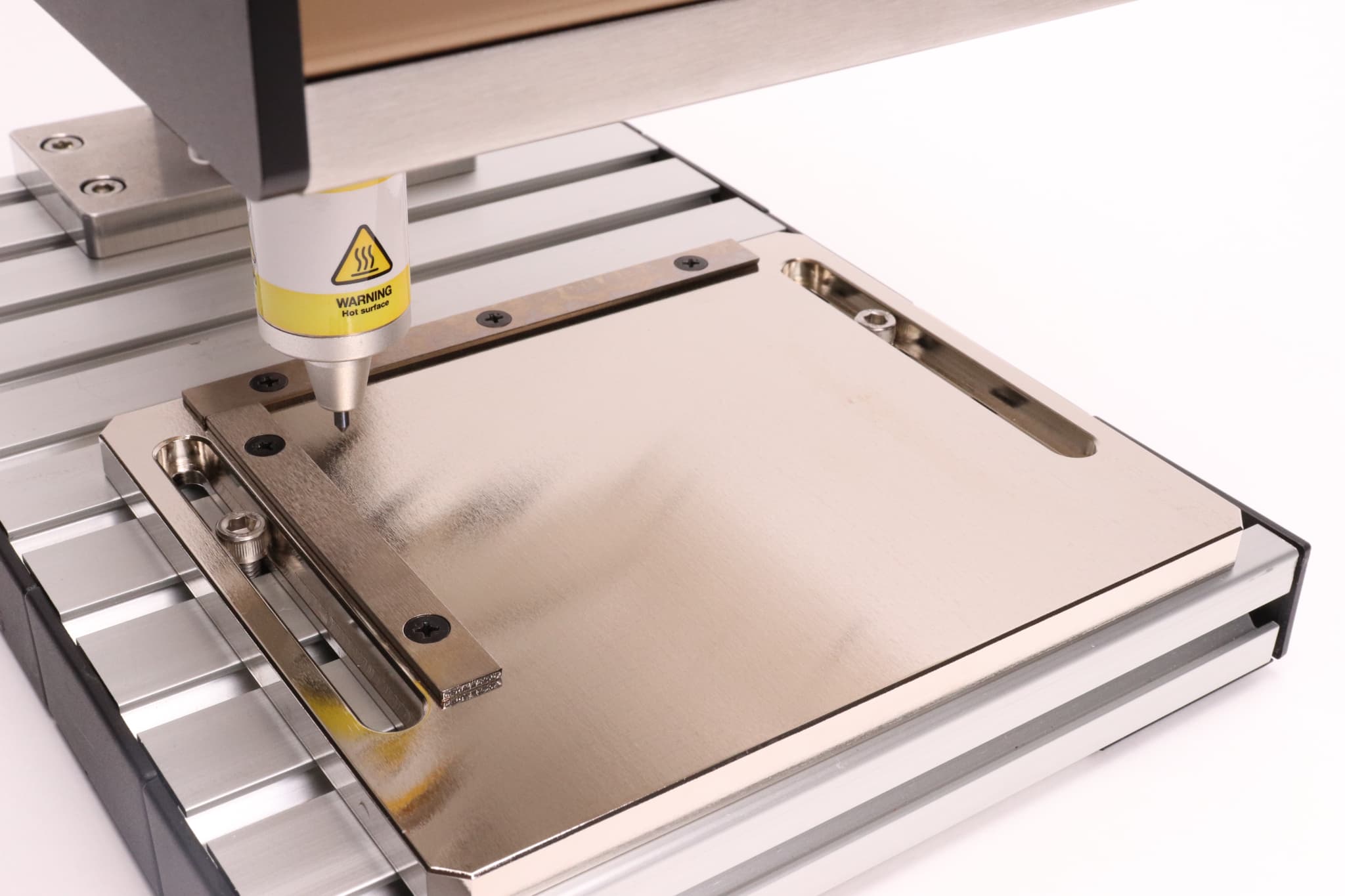
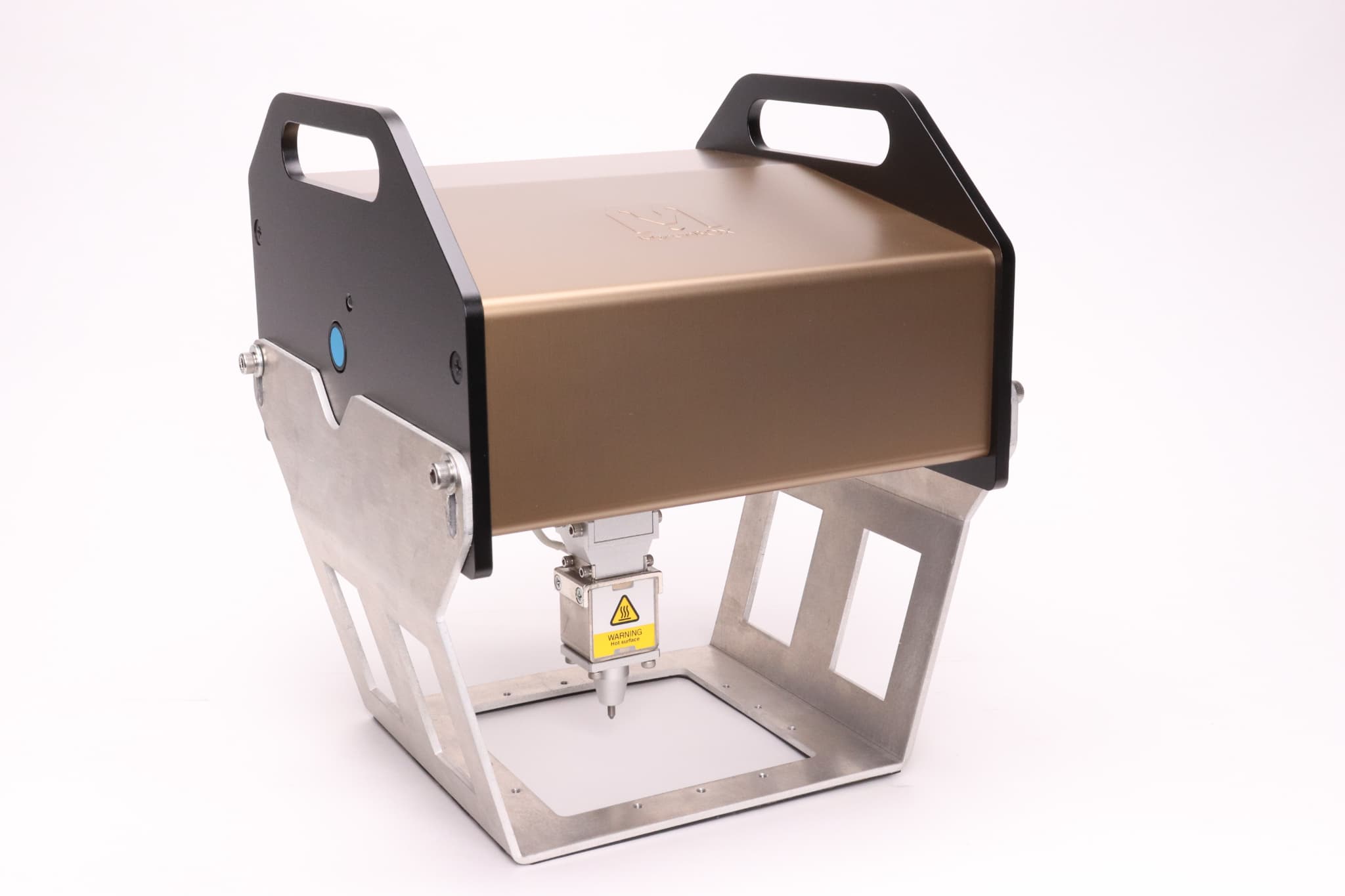
Guide Plate

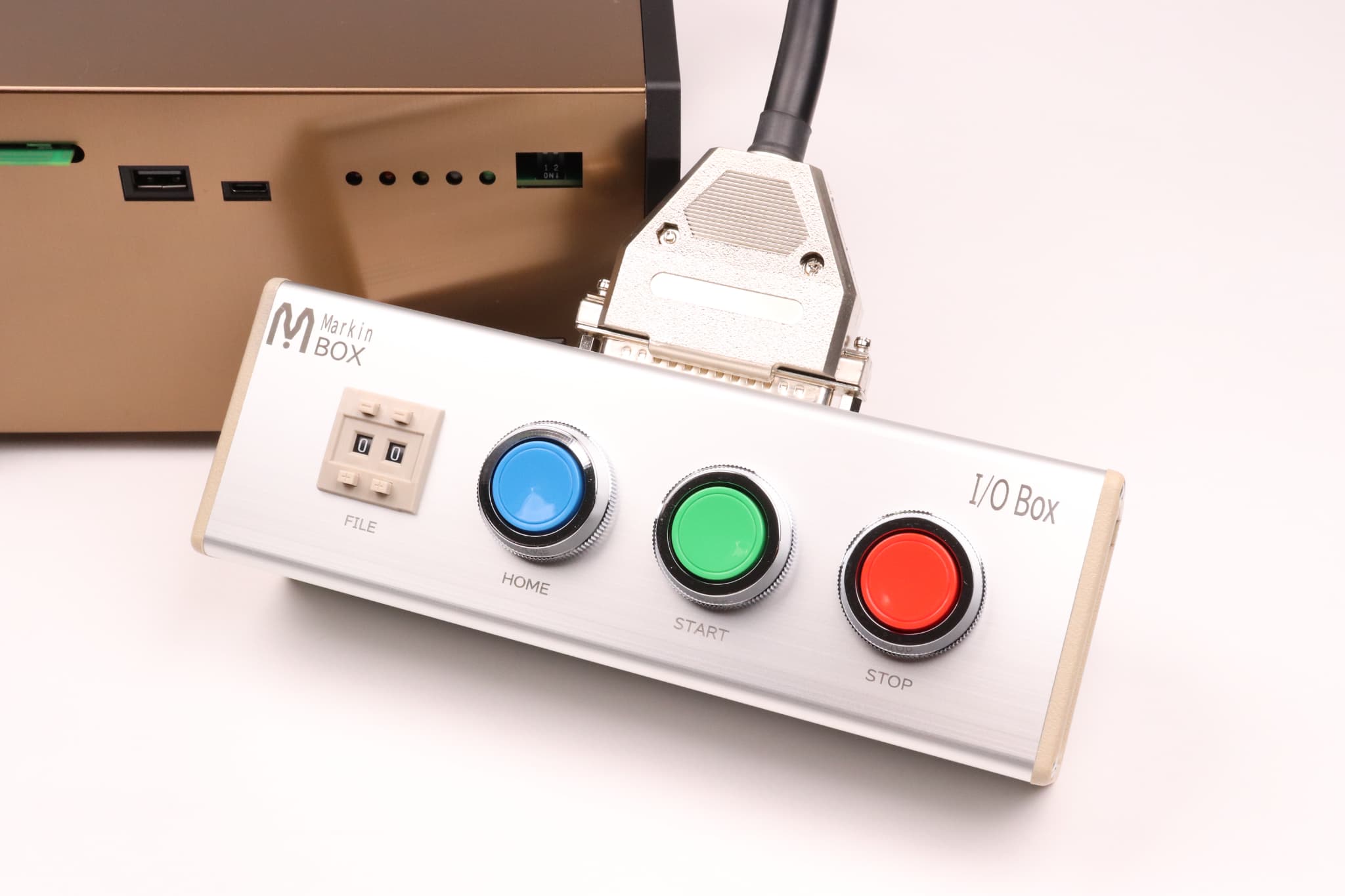
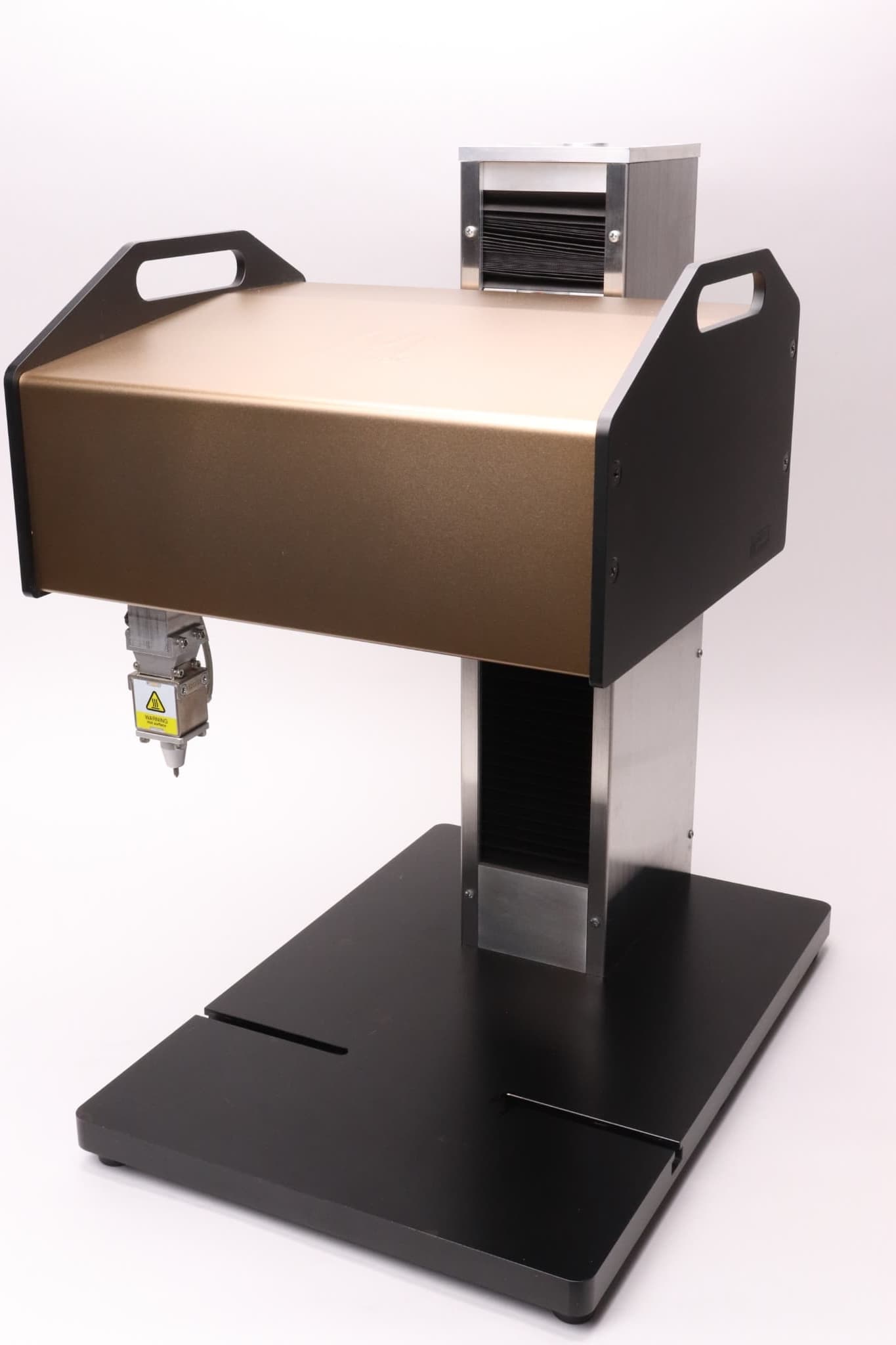
File Selection Box

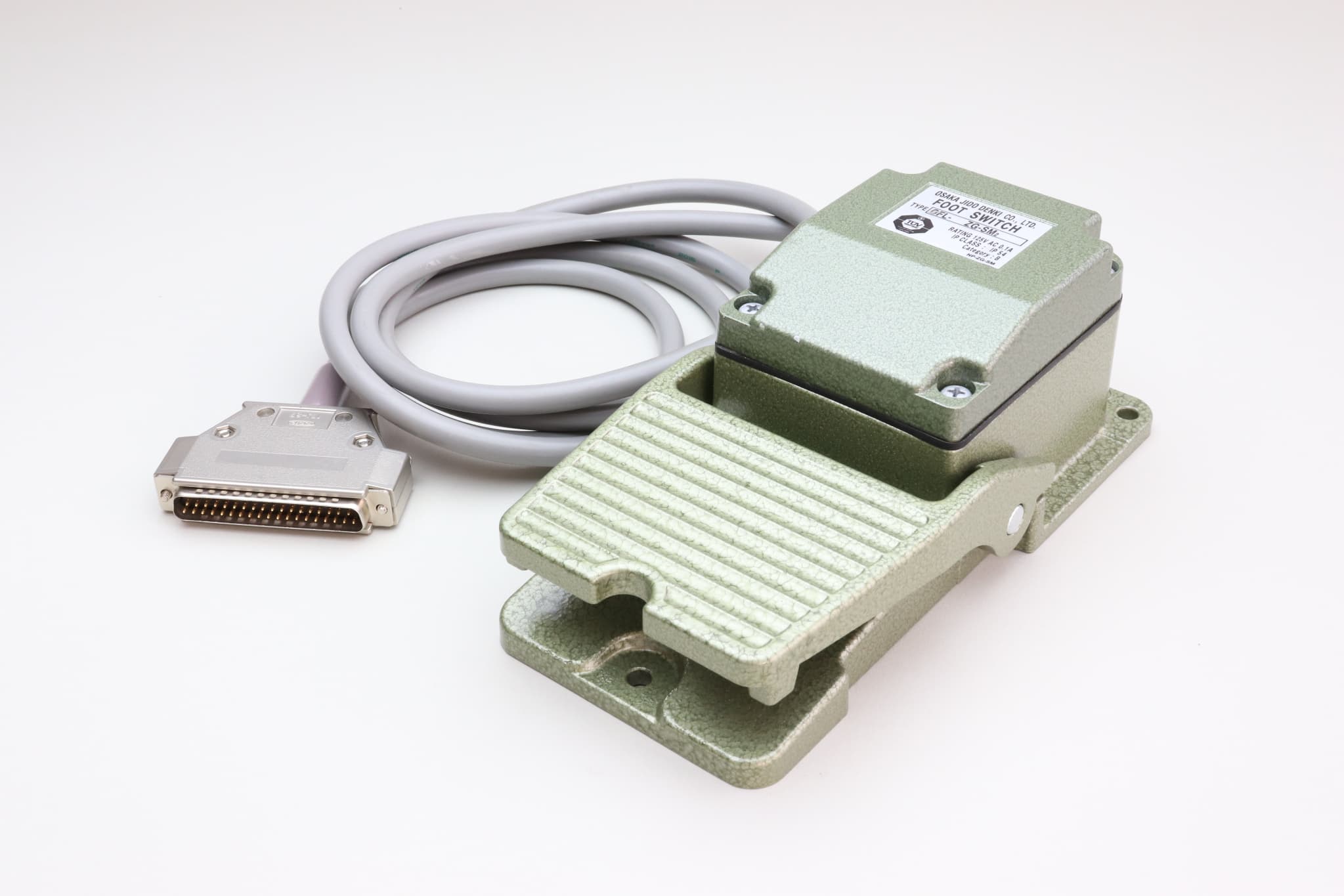
Foot Switch

S-Rotary Device

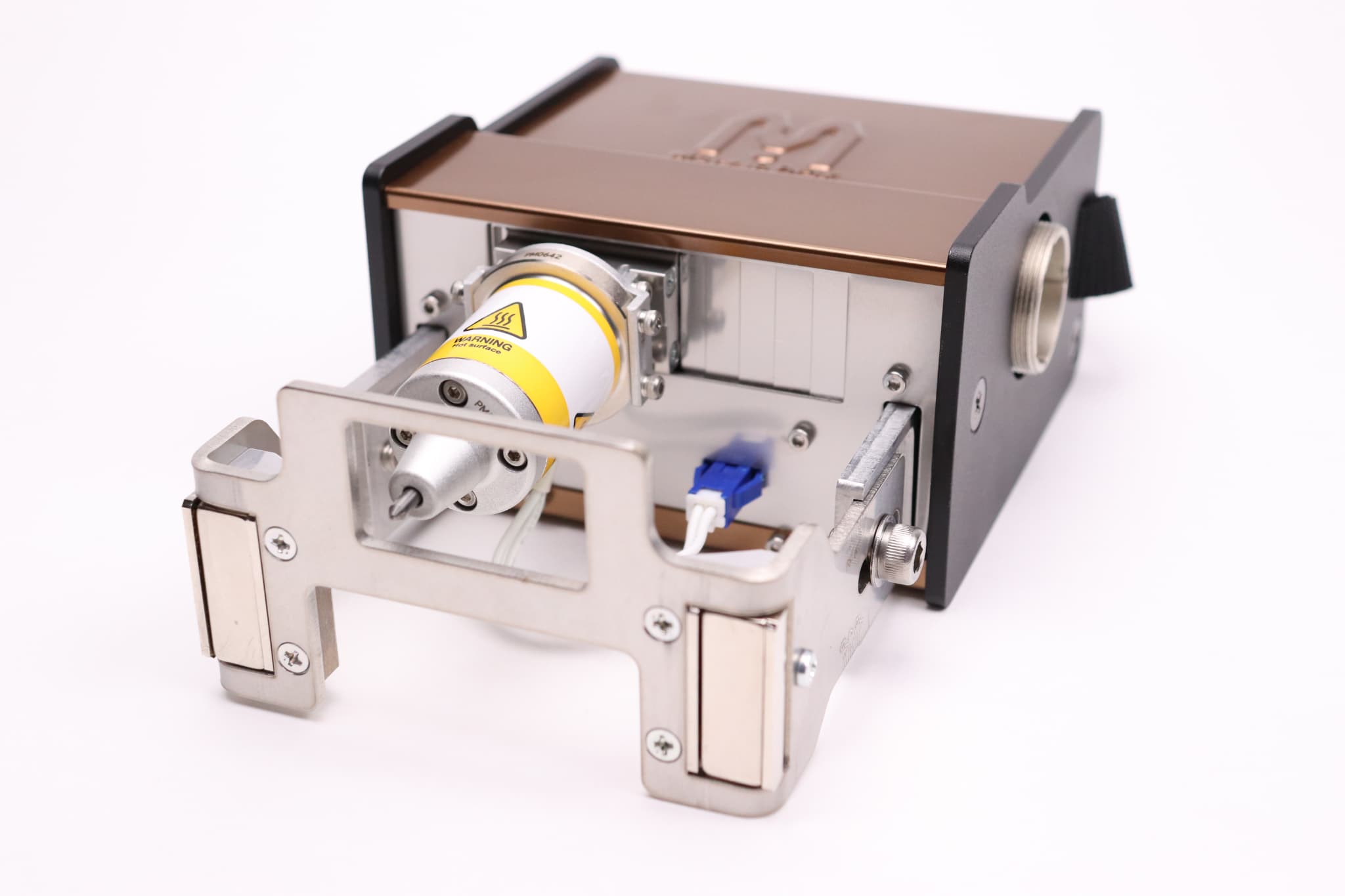
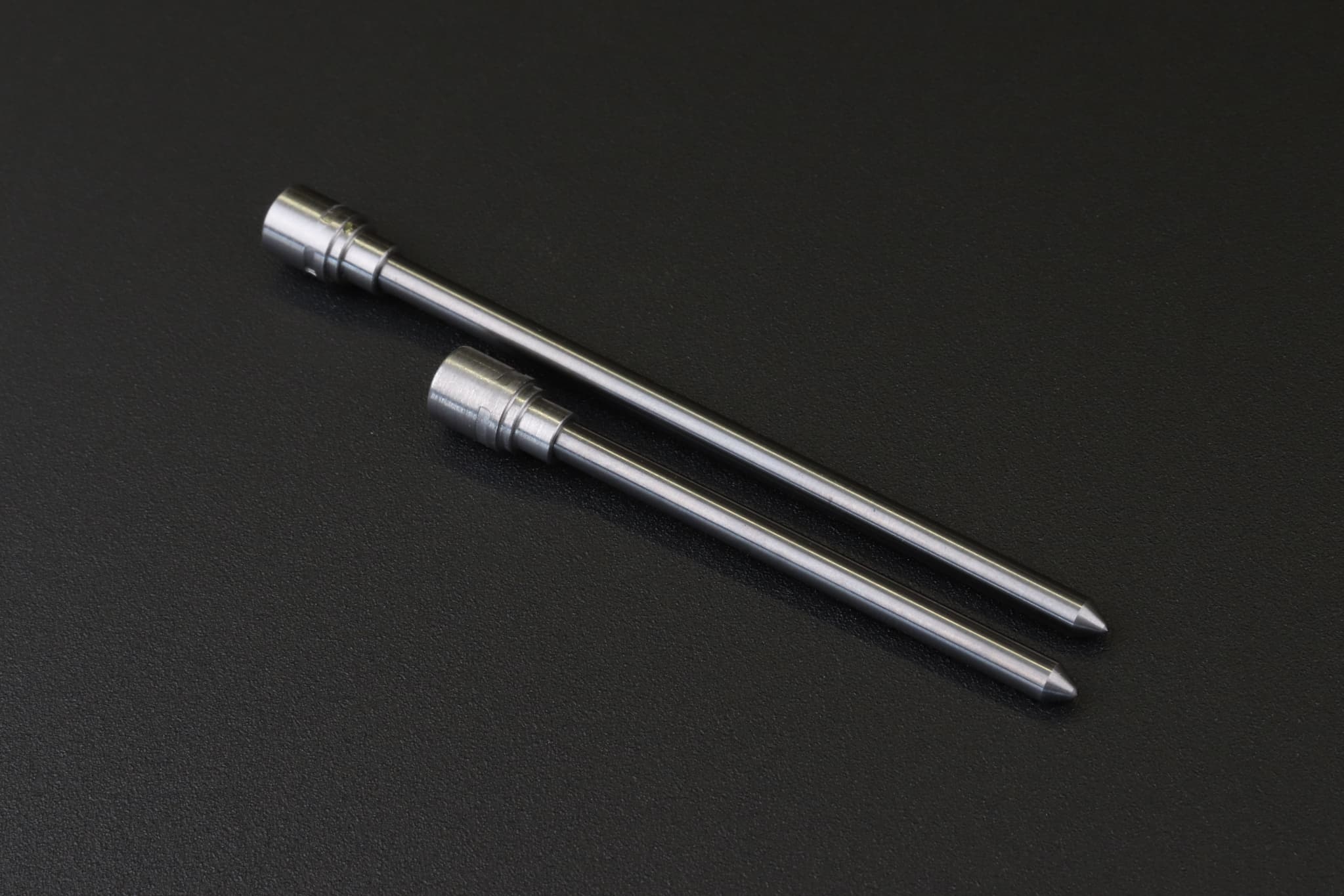
Big Solenoid (BSD) Pin & Long Pin

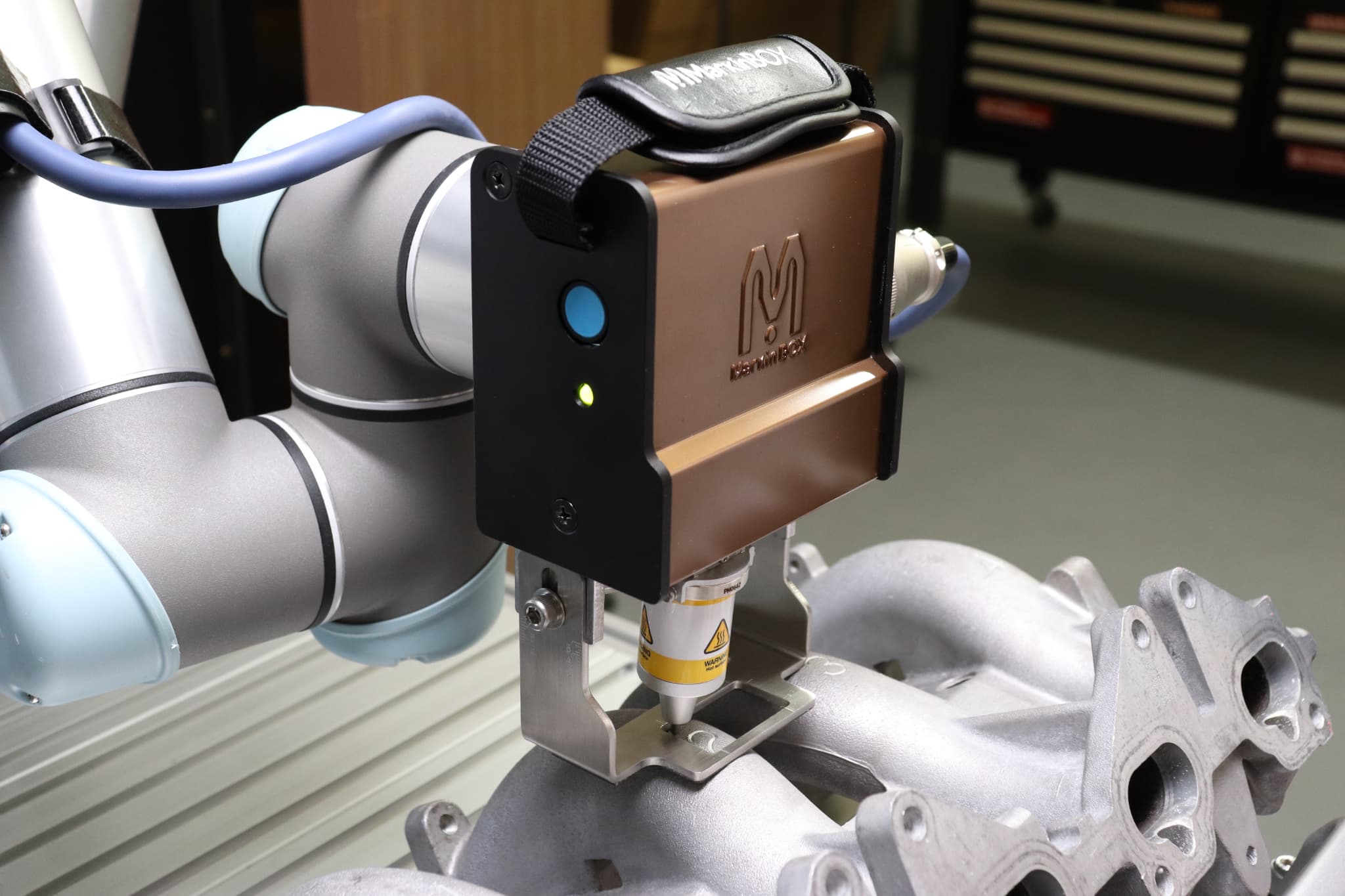
Easy Attachment to Cobots

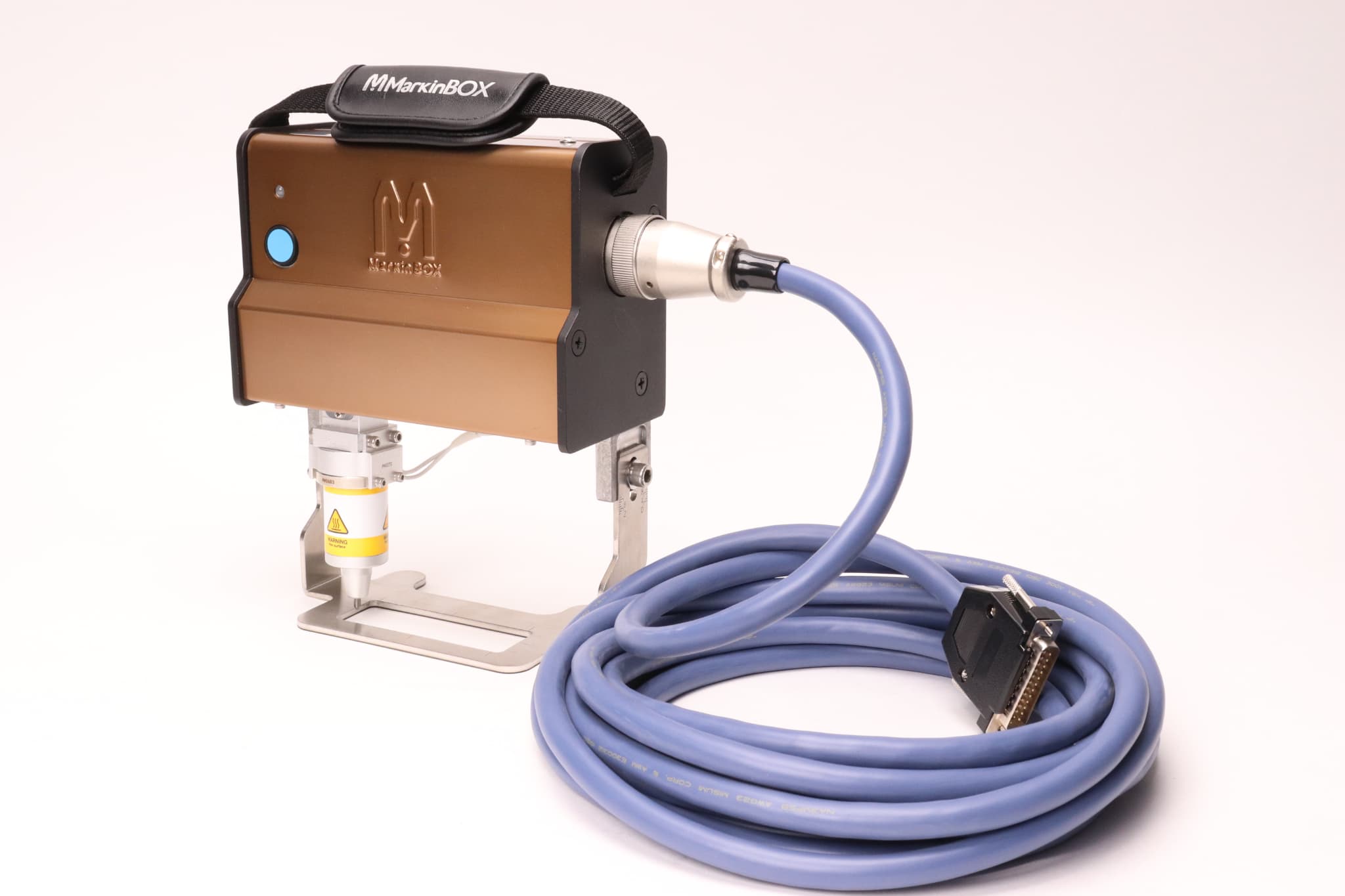
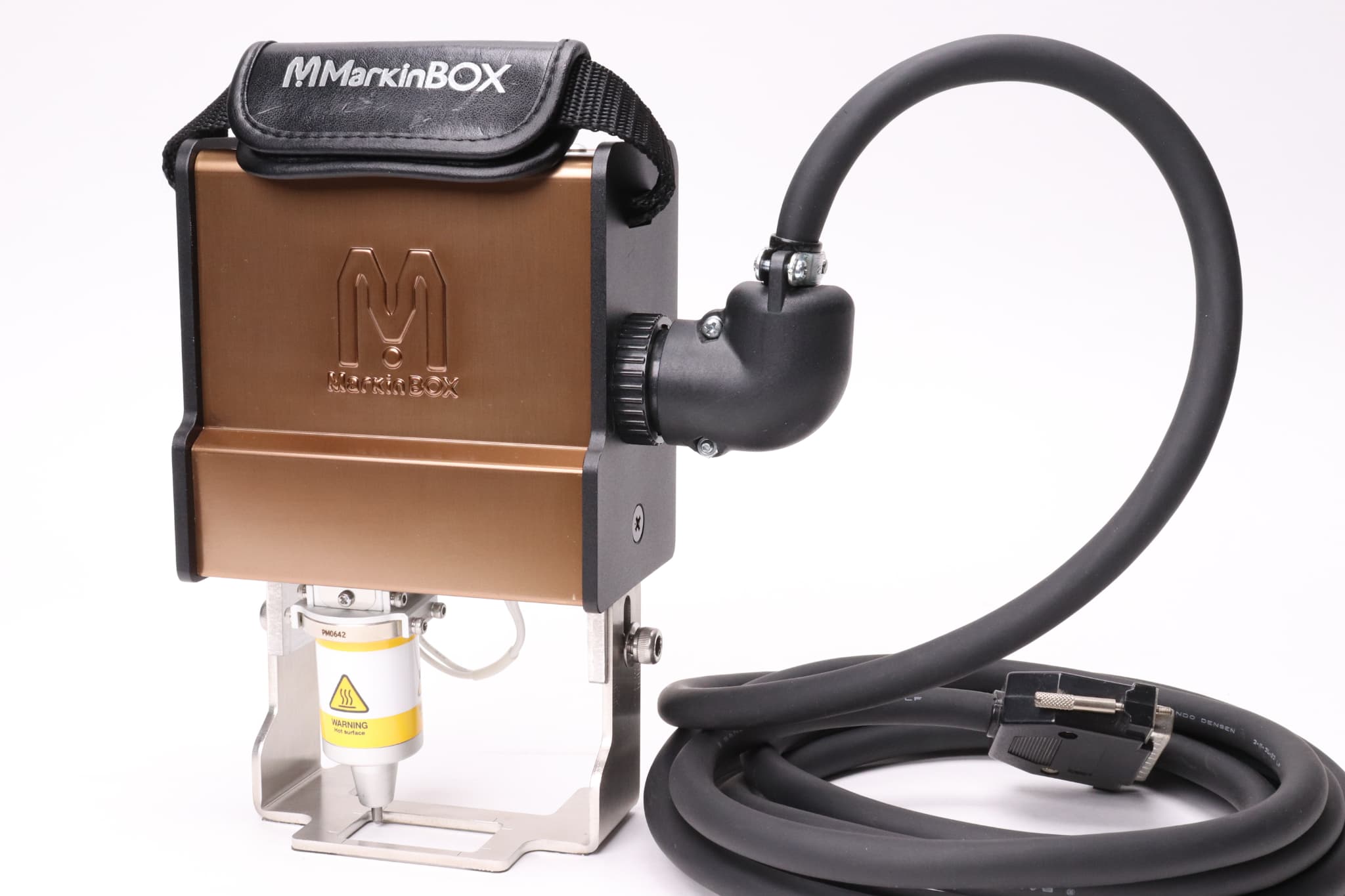
Robot Cable

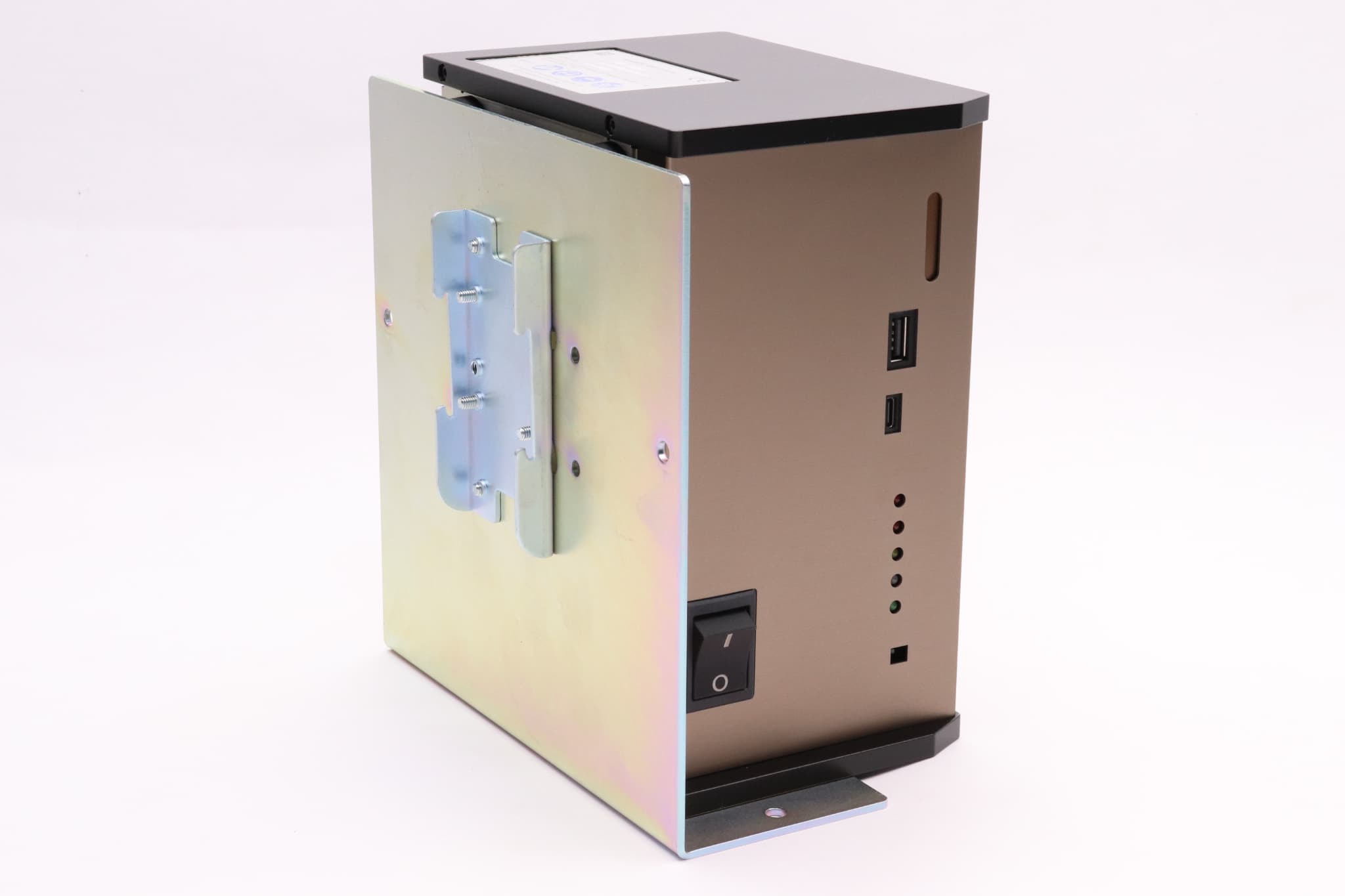
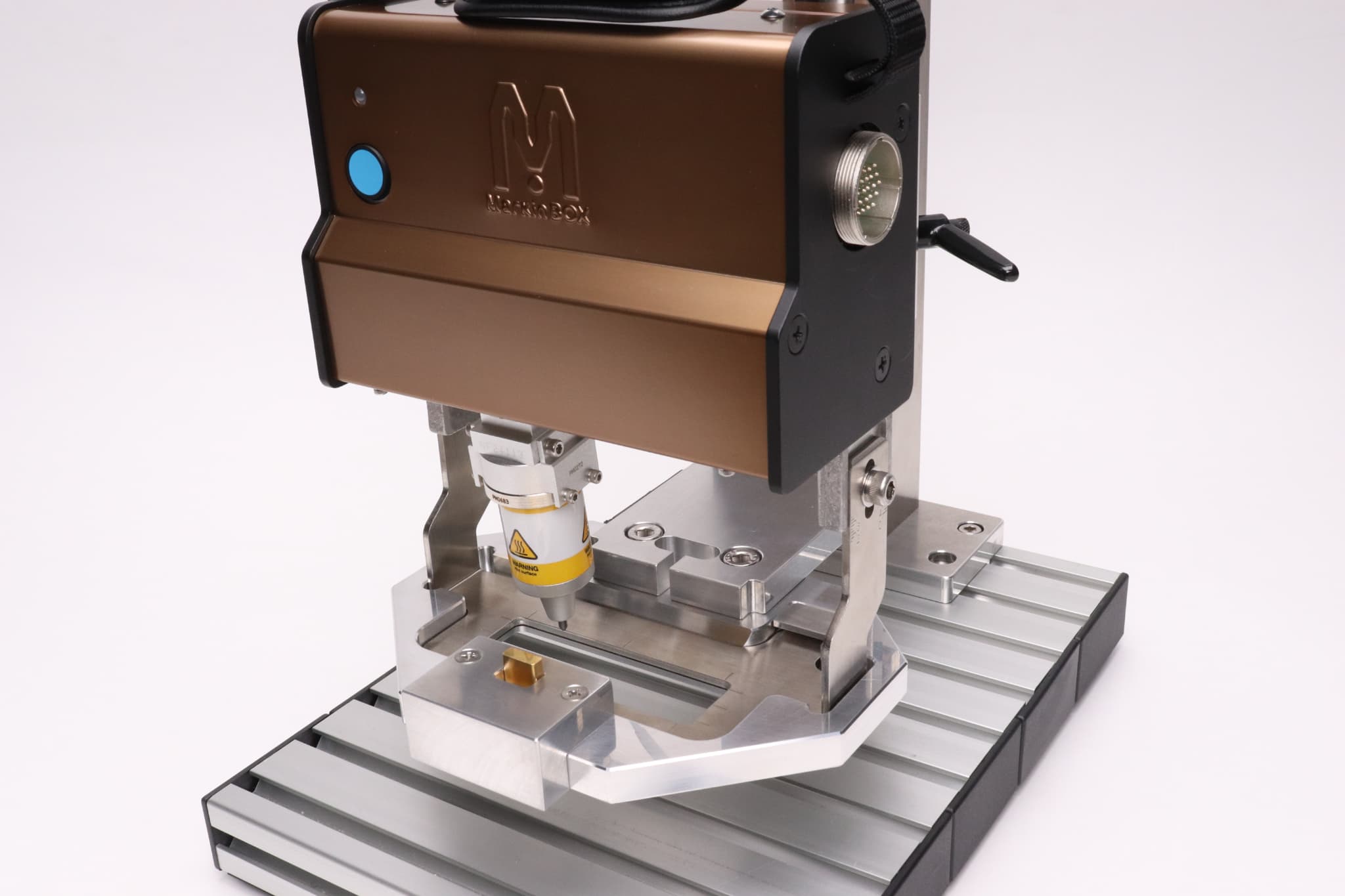
Bracket for MB3 controller

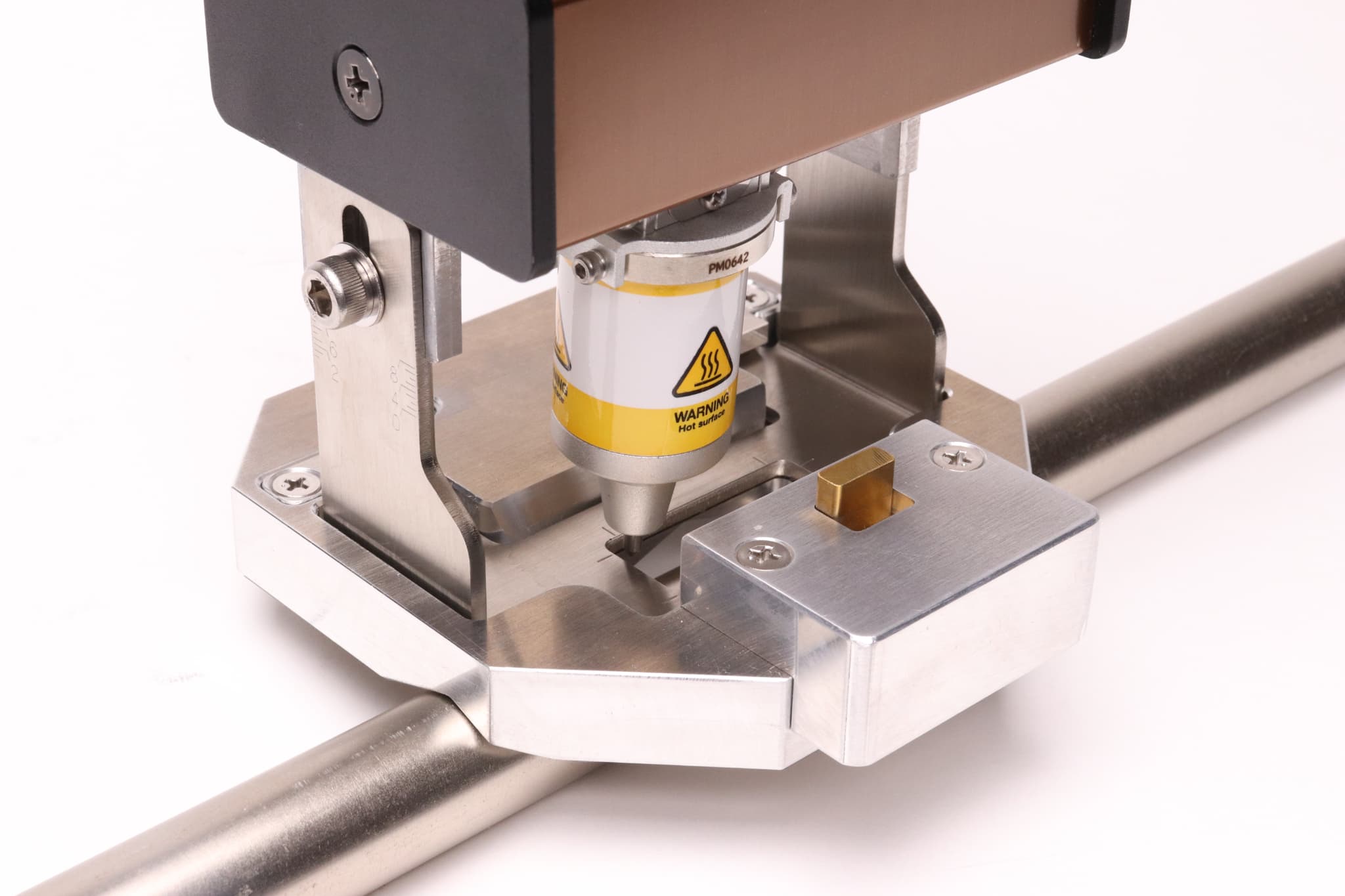
V-Guide

Elbow Connector

Clip-on Hunger for Tool Post

1010Tや2015Tをハンディで使用するガイドです。

Portable Guide for 1010T or 2015T

Double Magnet Guide

Tool Post

Big Solenoid (BSD)

Auto Z-axis Device